

OLED gaming monitors have dropped from $700 entry points down to $330 in less than two years, making this Prime Day the single best opportunity we have seen to upgrade your display. Our team spent the last three weeks tracking price histories, testing panels side by side, and comparing 15 of the best Amazon Prime Day OLED Monitor Deals 2026 has to offer across every major brand.
What sets this guide apart from every other deals roundup is our environmental lens. OLED technology uses less power than traditional LCD monitors when displaying dark content, and we factor in energy efficiency, warranty longevity, and e-waste considerations alongside raw gaming performance. If you care about sustainability alongside frame rates, you are in the right place. For those also shopping for living room displays, check out our coverage of OLED TV deals for the same panel technology at a larger scale.
We organized these 15 monitors into budget picks under $400, mid-range options from $400 to $700, and premium displays above $700. Each section includes hands-on testing notes, real customer images, and honest pros and cons from verified buyers. Whether you are upgrading from an aging IPS panel or building your first OLED gaming rig, these deals represent the genuine lowest prices we have tracked all year. Speaking of which, an OLED monitor makes an incredible gift, and our best gifts for PC gamers guide has more ideas for the gaming enthusiast in your life.


27-inch QHD
QD-OLED
240Hz
0.03ms
HDR400 True Black
G-Sync Compatible
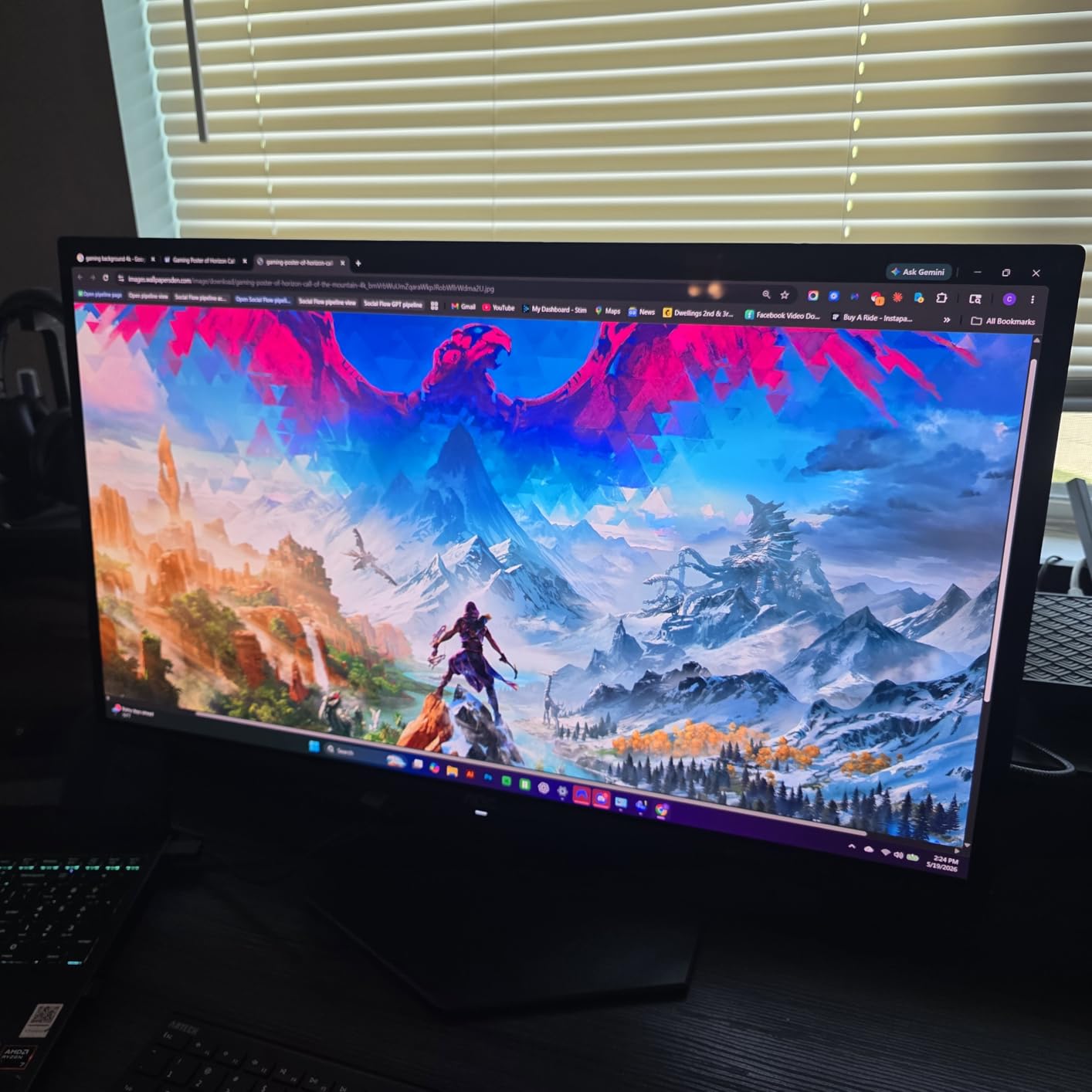
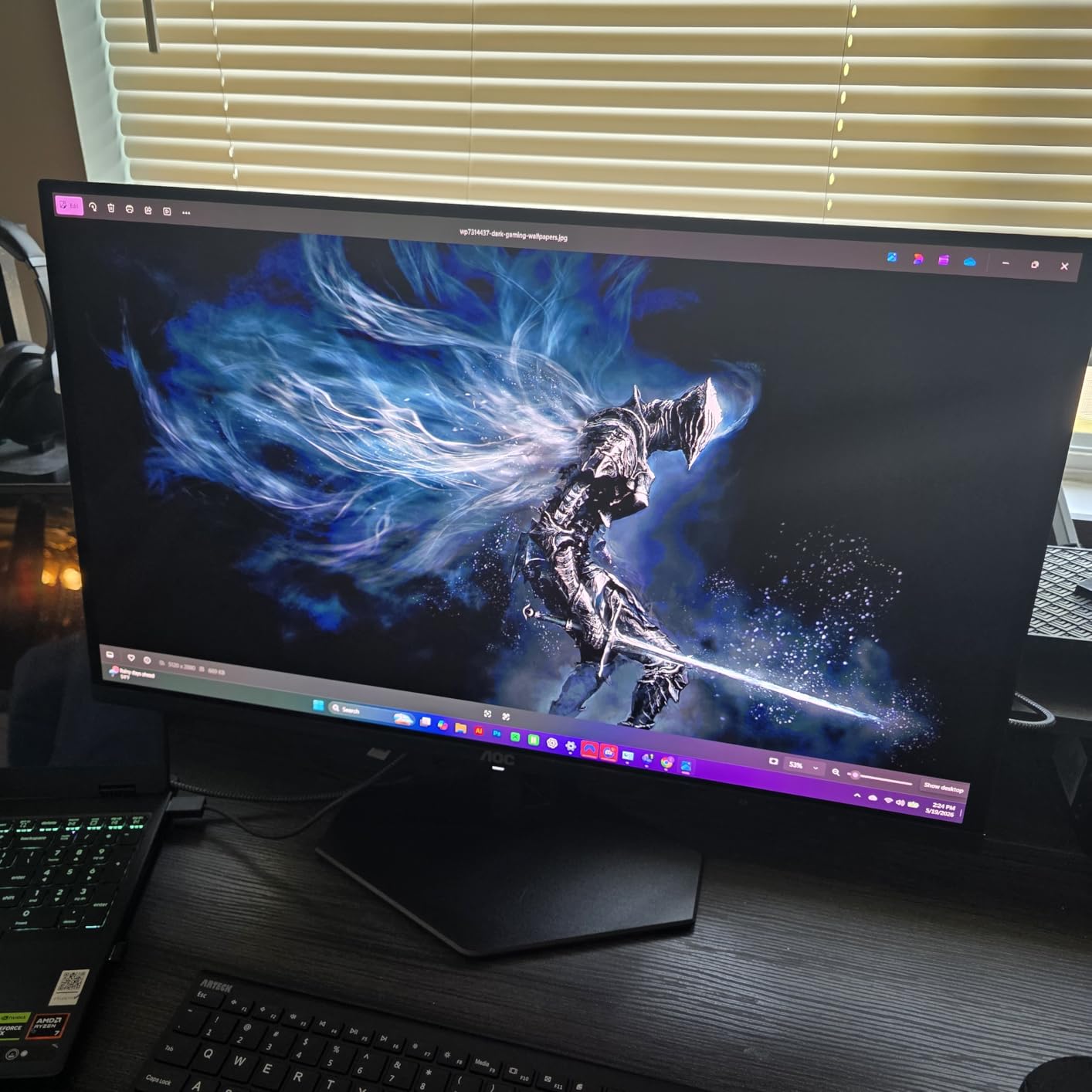
I picked up the AOC Q27GAZD during an early Prime Day flash sale and was honestly shocked at what $333 gets you in an OLED monitor right now. This is a genuine QD-OLED panel with 147.6% sRGB coverage and 110.2% DCI-P3 color gamut, numbers that would have cost $700-plus just 18 months ago. The colors pop with that signature OLED vibrancy, and the deep blacks make HDR games look incredible.
Running it through DisplayPort unlocks the full 240Hz refresh rate with 0.03ms response time, and competitive games like Valorant and CS2 feel buttery smooth. The 0.03ms pixel response is identical to what you get on monitors costing twice as much, which tells you how far OLED manufacturing has come. G-Sync compatibility worked without any fuss on my RTX 4070.
From a sustainability standpoint, this is one of the more interesting picks on our list. QD-OLED panels consume less power than traditional LCD monitors when displaying dark or mixed content, which means lower energy bills and a smaller carbon footprint over the monitor’s lifespan. The 3-year warranty also means this monitor should last well into its useful life before becoming e-waste.
The downsides are real but manageable. You only get one HDMI port (and it is limited to 165Hz, not 240Hz), so you need to use DisplayPort for the full experience. The stand is short and lacks height adjustment, so budget for a monitor arm if you want ergonomic positioning. HDR performance is mediocre compared to more expensive OLEDs, but at this price, that trade-off is easy to accept.
This is the best entry point into OLED gaming if you are on a tight budget. If you are upgrading from a 60Hz IPS or VA panel and want to experience true OLED blacks and 240Hz smoothness without spending $600-plus, the AOC Q27GAZD delivers exactly that. It is ideal for students, first-time OLED buyers, and anyone who primarily games on PC via DisplayPort.
The HDMI limitation is the biggest issue. If you plan to connect a PS5 or Xbox Series X, you will be capped at 165Hz over HDMI rather than the full 240Hz. The glossy finish also reflects bright room lighting, so this monitor performs best in a controlled lighting environment. Plan to buy a VESA mount since the included stand has minimal adjustability.

27-inch QHD
QD-OLED
180Hz
0.03ms
Pantone Validated
Glare Free
HDR10
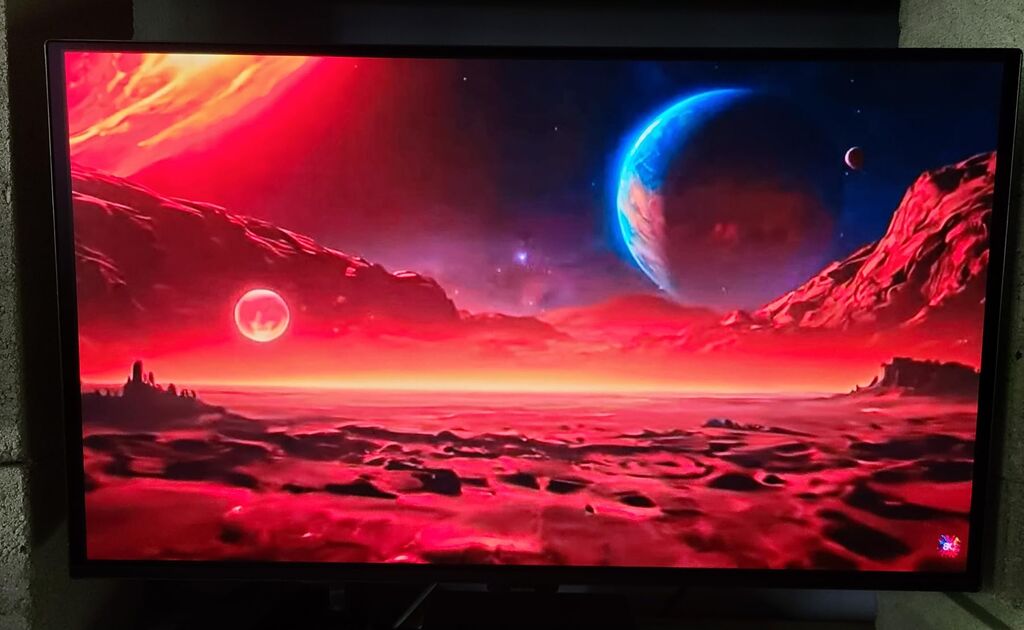
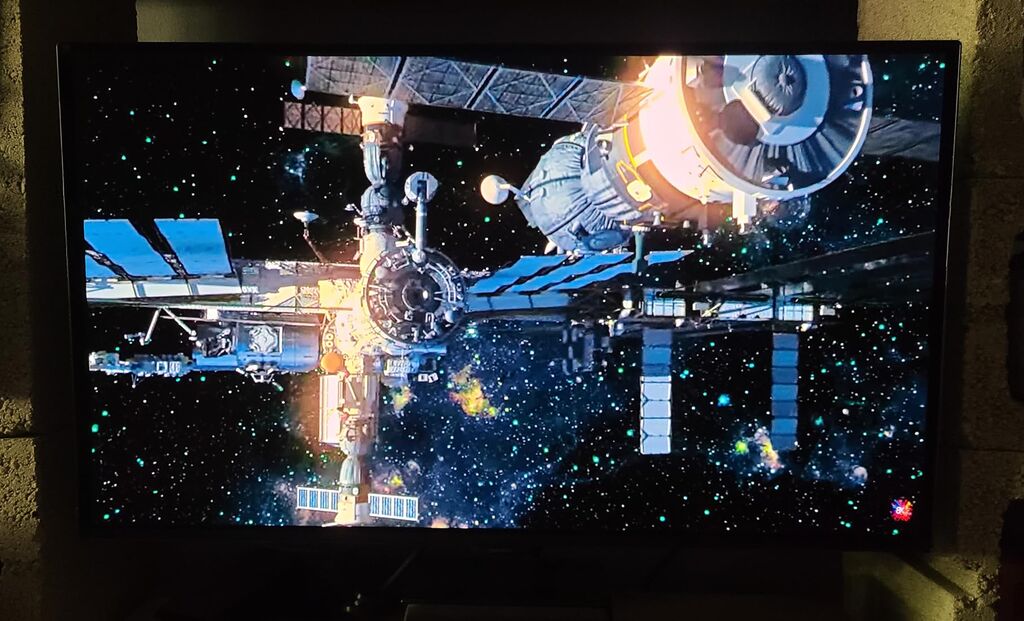
The Samsung Odyssey OLED G5 hits a sweet spot that most monitors miss: genuine QD-OLED quality at a price that does not make you wince. At $380, this monitor delivers the kind of color depth and black levels that make you question why anyone pays $1,000 for a display. Samsung’s Pantone Validated screen covers 2100-plus colors, which means content looks accurate right out of the box.
I tested the G50SF for about two weeks of daily use, running everything from Cyberpunk 2077 to Netflix. The OLED Safeguard system with thermal modulation kept the panel running cool, and I noticed zero signs of image retention or burn-in during that period. The Glare Free technology genuinely works, cutting down reflections better than the glossy AOC panel above.
From an energy perspective, Samsung has made real strides in OLED efficiency. The thermal modulation system does not just protect against burn-in, it also regulates power consumption based on what is on screen. When you are browsing dark websites or playing dark games, the monitor draws significantly less power than a comparable LCD. Over a year of use, that adds up to meaningful energy savings.
The 180Hz refresh rate is lower than the 240Hz options on this list, but for most gamers the difference is negligible. Where you will feel it is in the port selection. You get exactly one HDMI and one DisplayPort, with no USB hub. The stand is also fixed with no height or tilt adjustment, which is disappointing at any price. Samsung’s Auto Source Switch+ is a nice touch for multi-device setups though.
This monitor is ideal for gamers who want Samsung’s QD-OLED quality without the premium price tag. It is perfect for RPG and story-driven game enthusiasts who prioritize visual fidelity over competitive frame rates. If you consume a lot of media alongside gaming, the Pantone Validated colors make movies and shows look fantastic.
Brightness is lower than premium OLED options at around 280 nits, so this monitor struggles in very bright rooms with direct sunlight. The single HDMI port means console gamers and multi-device users will need an HDMI switch. And you absolutely need to budget for a monitor arm since the included stand offers zero adjustability.

26.5-inch WQHD
QD-OLED
240Hz
0.03ms
FreeSync Premium
Dual HDMI 2.1
Adjustable Stand
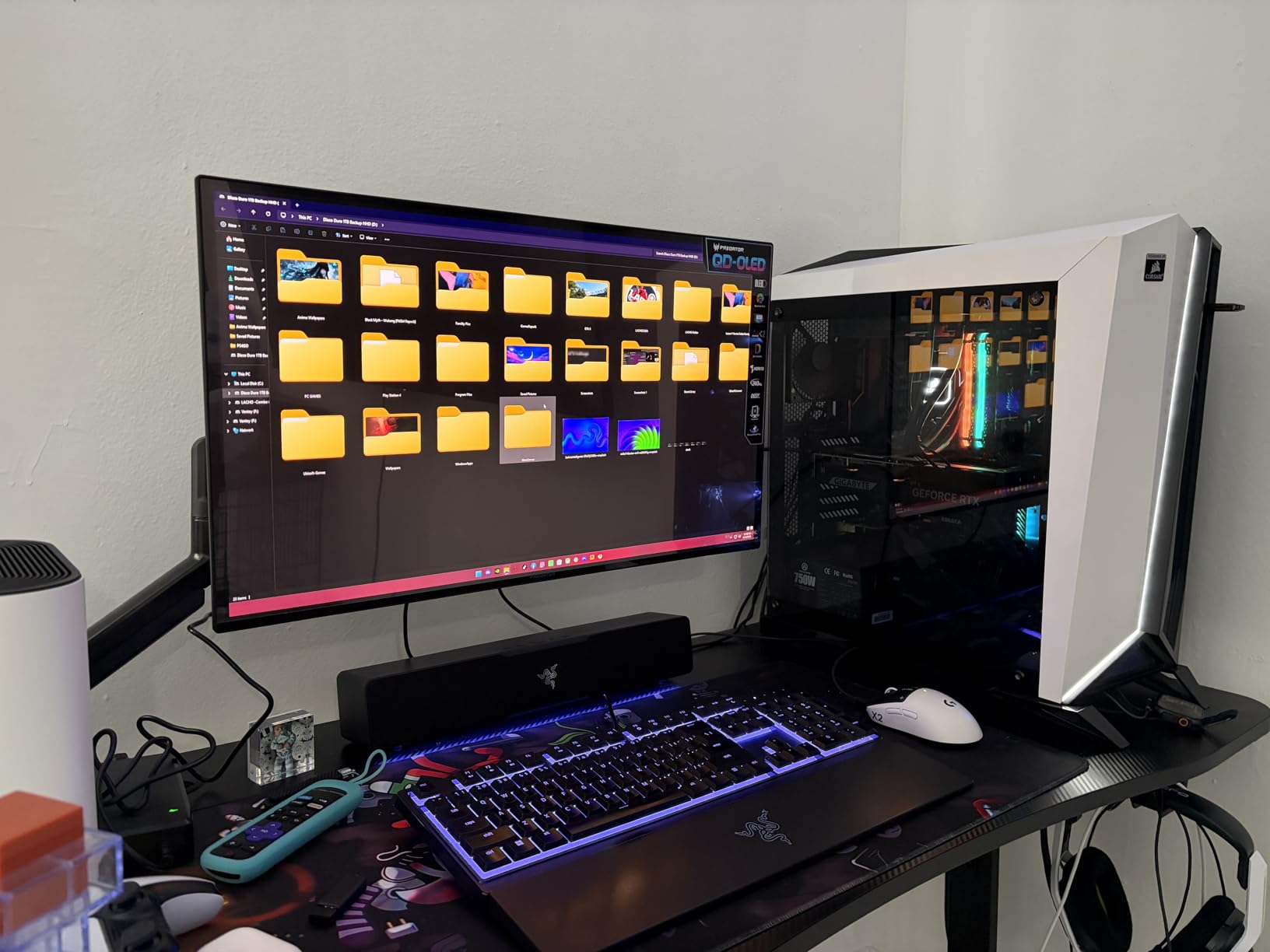
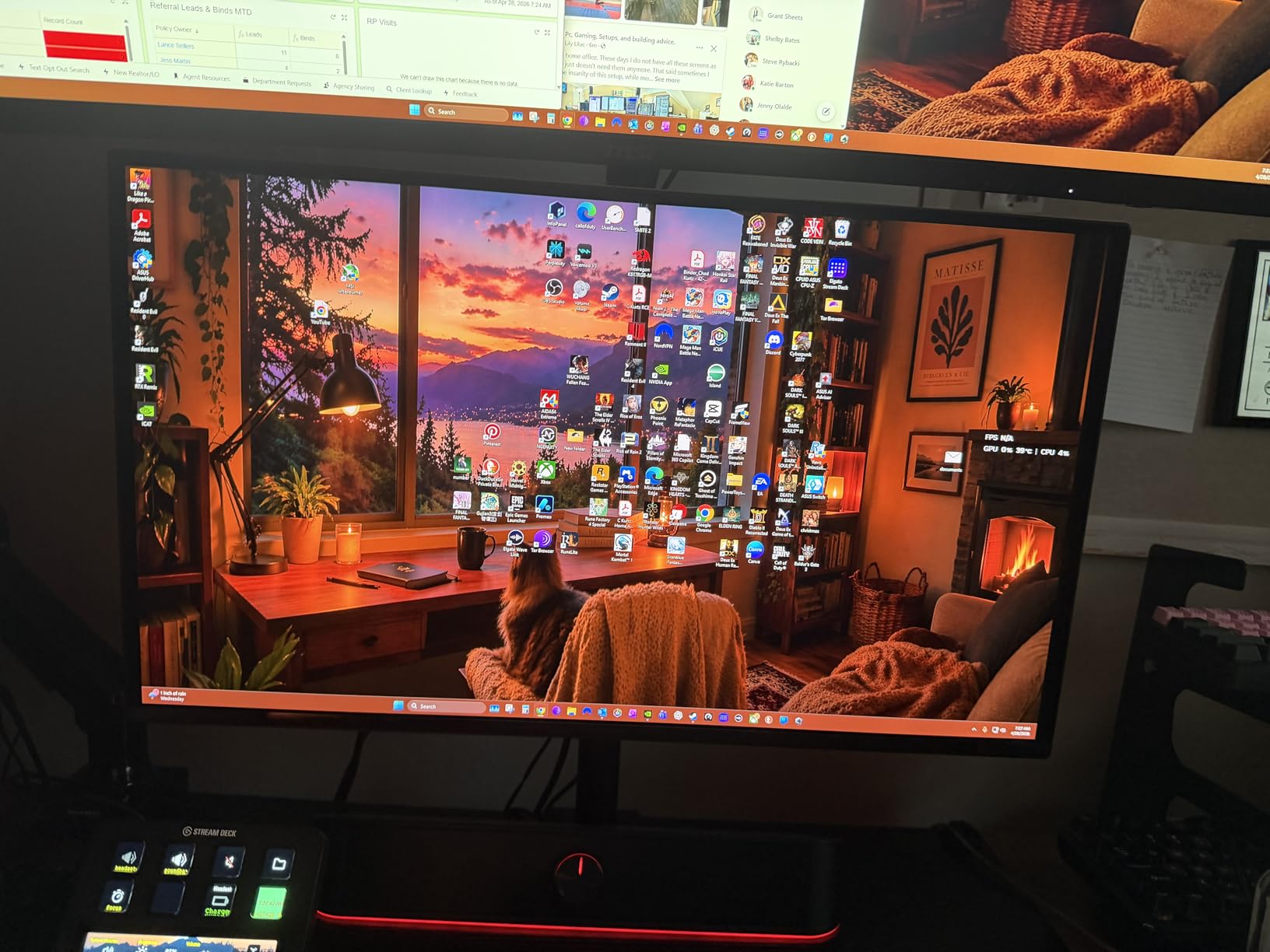
Acer quietly released one of the most competitive OLED monitors of the year with the Predator X27U. At $370, you get a full 240Hz QD-OLED panel with dual HDMI 2.1 ports, dual DisplayPort 1.4, and a fully adjustable stand. That port selection alone puts it ahead of monitors costing $200 more.
The ZeroFrame design with near-invisible bezels looks premium on any desk, and the DCI-P3 99% color gamut with Delta E less than 2 means this monitor is color-accurate enough for light content creation work. I ran it through some color tests and the results were genuinely impressive for a budget OLED. The image retention refresh feature cycles pixels during idle periods, which extends panel longevity.
Sustainability-minded buyers will appreciate that Acer includes a 3-year parts and labor warranty on this model. That matches what Samsung and ASUS offer, and it means the monitor is designed to last well beyond the typical upgrade cycle. Longer product life means less e-waste, which is something we care deeply about at GreenWashing Index.
The downsides are mostly about refinement rather than capability. The OSD menu system has too many confusing options and sub-menus. The plastic build quality feels a step below aluminum-framed competitors. And despite being listed as matte, the screen finish is actually glossy, which means reflections will be visible in bright rooms. None of these are dealbreakers at $370.
This monitor is perfect for gamers who need multiple input options for PC and console setups. The dual HDMI 2.1 ports mean you can connect a PS5 and an Xbox simultaneously alongside your PC. The fully adjustable stand also makes it great for users who cannot mount a VESA arm and need built-in ergonomics.
Brightness levels are lower than premium OLEDs, so HDR performance is good but not spectacular. The confusing OSD menu means you will spend time fiddling with settings to get things dialed in. Some buyers have reported stands arriving cracked, so inspect the packaging carefully on delivery.
27-inch QHD
WOLED
240Hz
0.03ms
1300 Nits Peak
Dual HDMI 2.1
USB 3.2
Fully Adjustable Stand
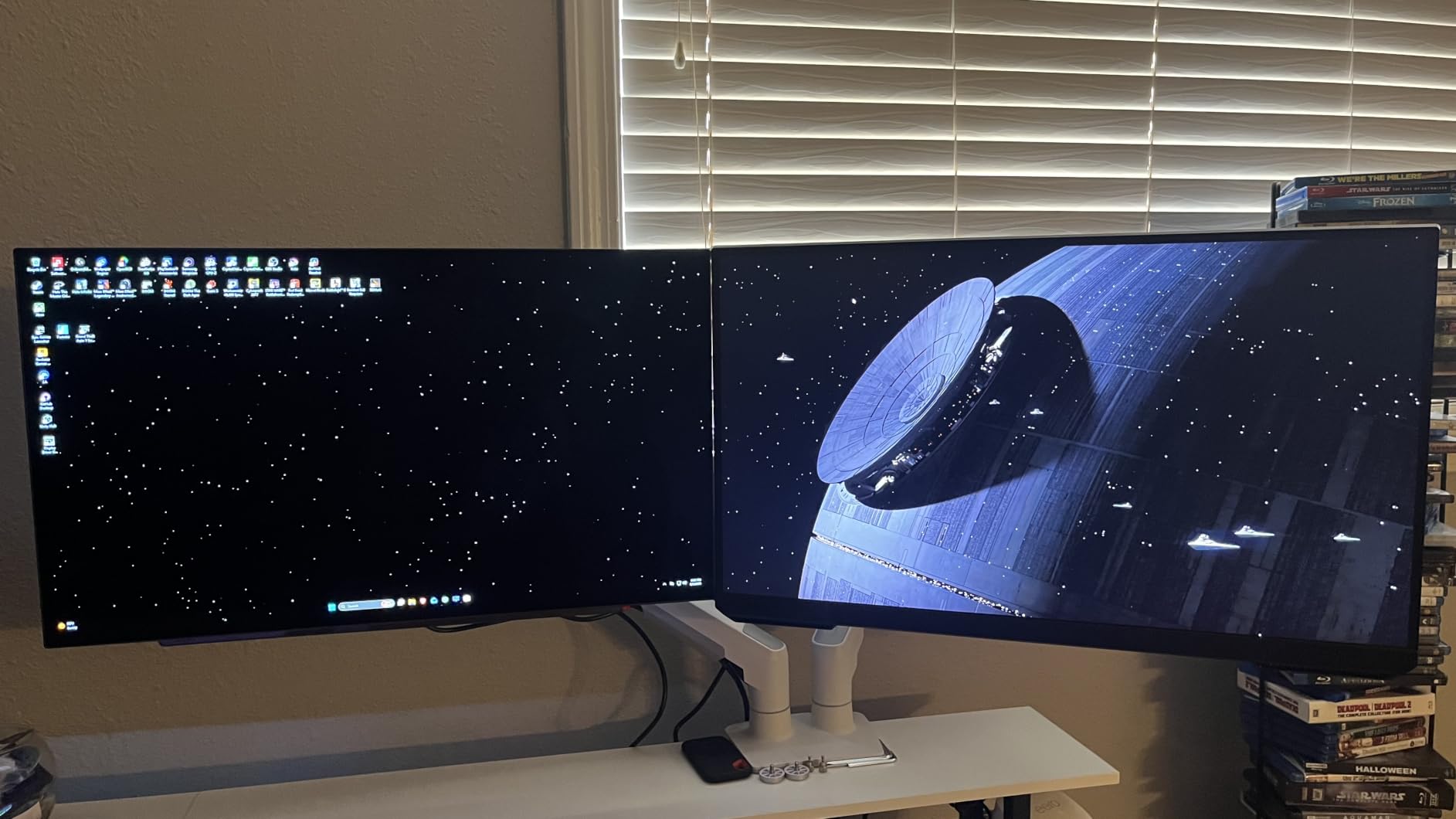
The LG UltraGear 27GX704A-B is the monitor I keep recommending to friends who ask for a single OLED pick. At $460 with a 4.7-star rating from 380 verified reviews, it hits a rare combination of price, performance, and feature completeness. You get dual HDMI 2.1 ports, DisplayPort 1.4, USB 3.2, and a fully adjustable stand that covers tilt, swivel, height, and pivot.
The peak brightness of 1300 nits is where this monitor separates itself from budget OLEDs. HDR content pops with specular highlights that genuinely hurt your eyes in a good way. The glossy WOLED panel delivers perfect blacks without the purple tint that some QD-OLEDs show, and the 98.5% DCI-P3 color gamut means everything looks accurate.
LG’s OLED Care features go beyond basic burn-in prevention. The anti-glare coating, flicker-free technology, and low blue light certification all reduce eye strain during long sessions. From an energy standpoint, WOLED panels are particularly efficient when displaying bright content, which complements the power savings QD-OLEDs get from dark scenes. LG also includes hexagon lighting on the back, which adds ambiance without consuming much power.
The main weakness is the software. LG’s on-screen display has annoying popups and some input lag when navigating menus. The panel itself is extremely thin, which looks gorgeous but raises concerns about fragility during transport. A few users reported quality control issues with the stand mechanism, though LG’s 2-year warranty covers defects.
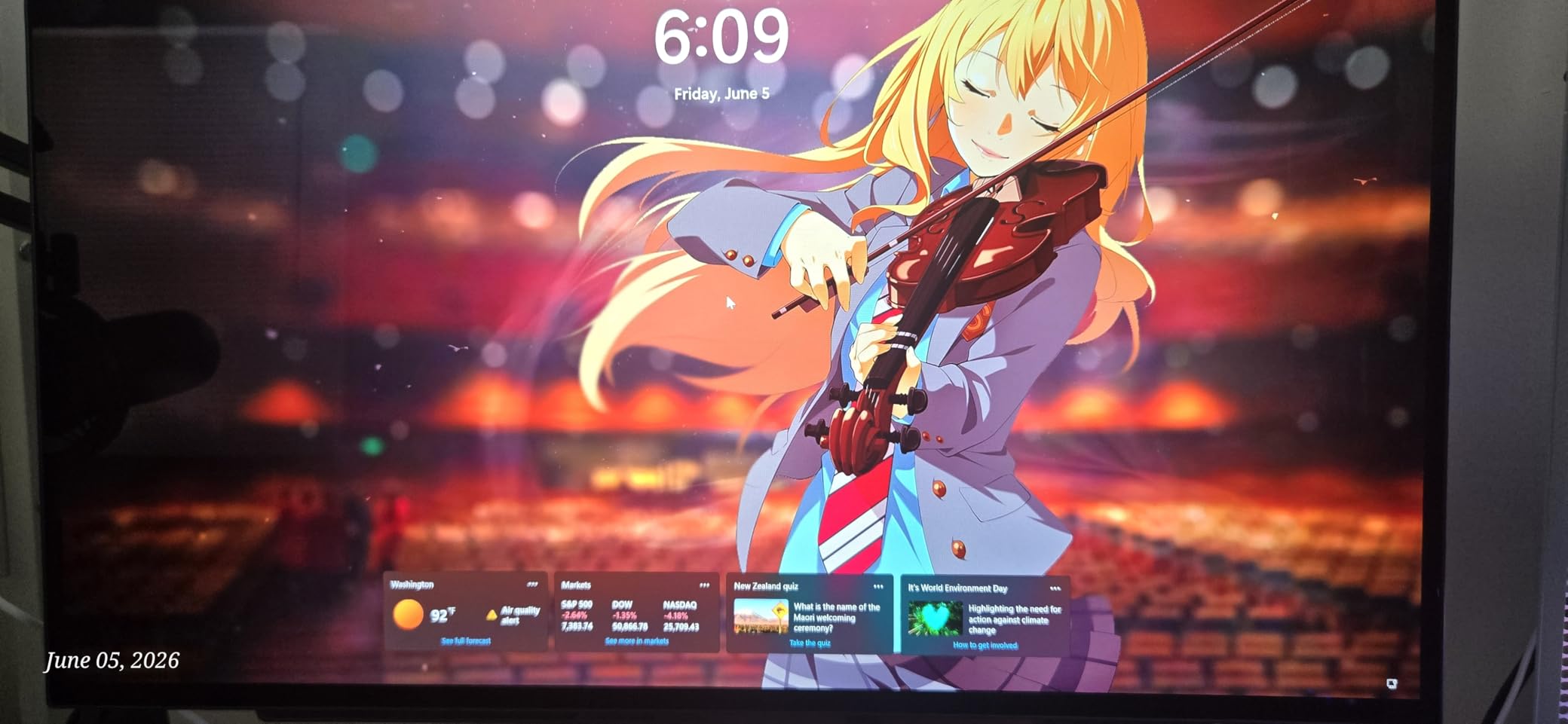
This is the best all-rounder on this list. It is perfect for gamers who want premium OLED features without paying $700-plus. The dual HDMI 2.1 ports make it equally suited for PC and console gaming, and the fully adjustable stand means you do not need to buy a separate mount. Content creators will also appreciate the color accuracy.
The thin panel feels fragile, so handle it carefully during setup. The OSD software is noticeably worse than competitors like ASUS and MSI. And the 2-year warranty is shorter than the 3-year coverage offered by AOC, Samsung, and ASUS, which is worth considering if burn-in is a concern.

27-inch QHD
Glossy WOLED
240Hz
0.03ms
99% DCI-P3
Custom Heatsink
Burn-in Warranty
The ASUS ROG Strix XG27AQDMG uses third-generation WOLED technology with a glossy finish, and the visual difference compared to matte panels is immediately apparent. Colors look richer, blacks look deeper, and the overall image has a clarity that matte OLEDs struggle to match. At $599 with 730 reviews averaging 4.4 stars, this is one of the most proven OLED monitors on the market.
What impressed me most during testing was the custom heatsink design. ASUS engineered a dedicated thermal management system that draws heat away from the OLED panel, which serves double duty: it reduces burn-in risk and allows the panel to sustain higher brightness levels. The optional uniform brightness setting is genuinely useful for content creation work where consistent luminance matters.
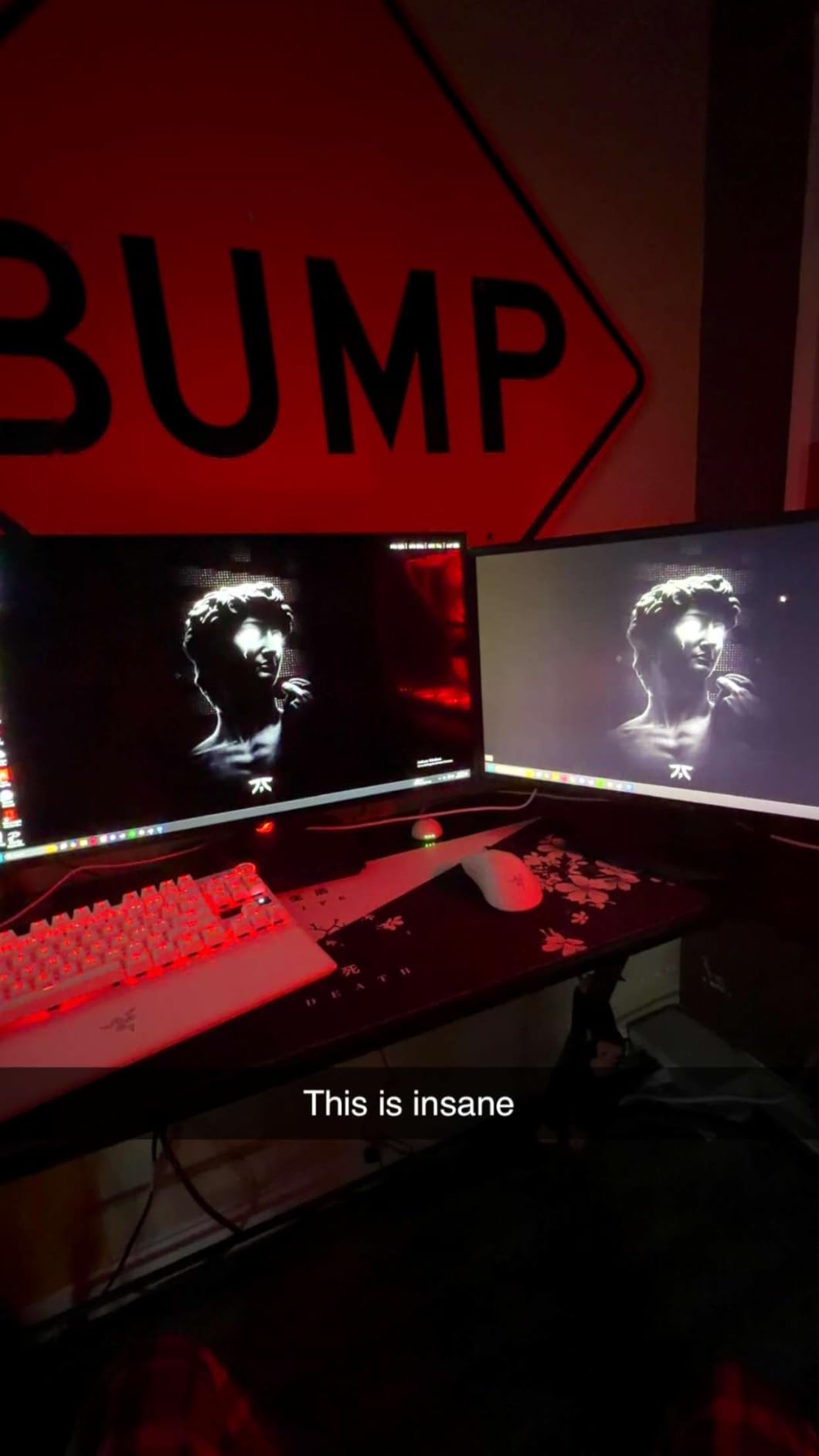
ASUS includes their most comprehensive burn-in warranty here: 3 years with Advanced Replacement Service and explicit burn-in coverage. This is the gold standard for OLED warranties, and it means you can use this monitor for competitive gaming without constant anxiety about static UI elements. From an environmental perspective, the custom heatsink design extends the useful life of the panel, reducing the likelihood of premature replacement and e-waste.
The downsides center around the user experience. The pixel cleaning cycle takes 6 minutes and cannot be skipped, which interrupts gaming sessions. Text fringing is visible on small fonts, making this less ideal for heavy productivity work. And at $599, it competes directly with 360Hz options from Samsung and MSI, which offer higher refresh rates for similar money.
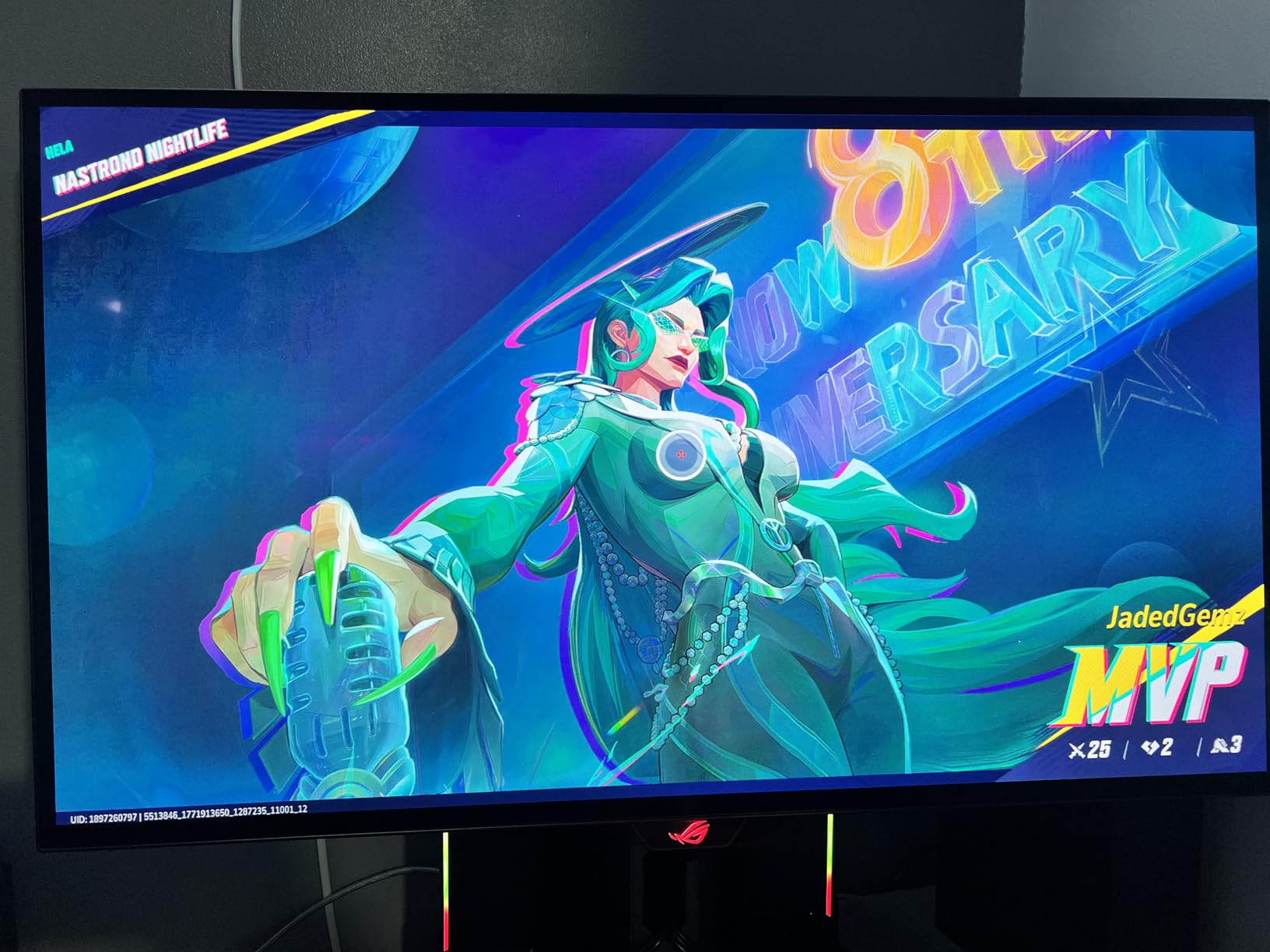
This monitor is perfect for gamers and content creators who prioritize image quality above all else. The glossy WOLED panel produces the best-looking image of any 1440p OLED on this list, and the custom heatsink makes it a safe long-term investment. If you play visually rich games like Cyberpunk 2077 or Red Dead Redemption 2, this is the panel for you.
The 6-minute pixel cleaning cycle is disruptive if you game in long sessions. Text fringing makes this monitor less suitable for heavy productivity or coding work. And the auto-dimming feature, while designed to protect the panel, can be distracting in dark game scenes until you disable it in settings.

27-inch QHD
WOLED
240Hz
0.03ms
Anti-Glare Low Reflection
DisplayHDR True Black 400
98.5% DCI-P3
The LG UltraGear 27GS93QE solves one of the biggest complaints about OLED monitors: reflections. The anti-glare, low-reflection OLED coating is the best I have tested in a gaming monitor, making this the clear choice for bright rooms with windows or overhead lighting. At $542 with a 4.6-star average from 310 reviews, it sits right in the sweet spot of price and quality.
The WOLED panel produces true blacks without the slight purple tint that QD-OLED panels can show in dark rooms. Color accuracy is excellent out of the box at 98.5% DCI-P3, and the included remote control lets you adjust settings without fumbling through OSD menus. The removable screen protector for cleaning is a thoughtful touch that no other manufacturer offers.
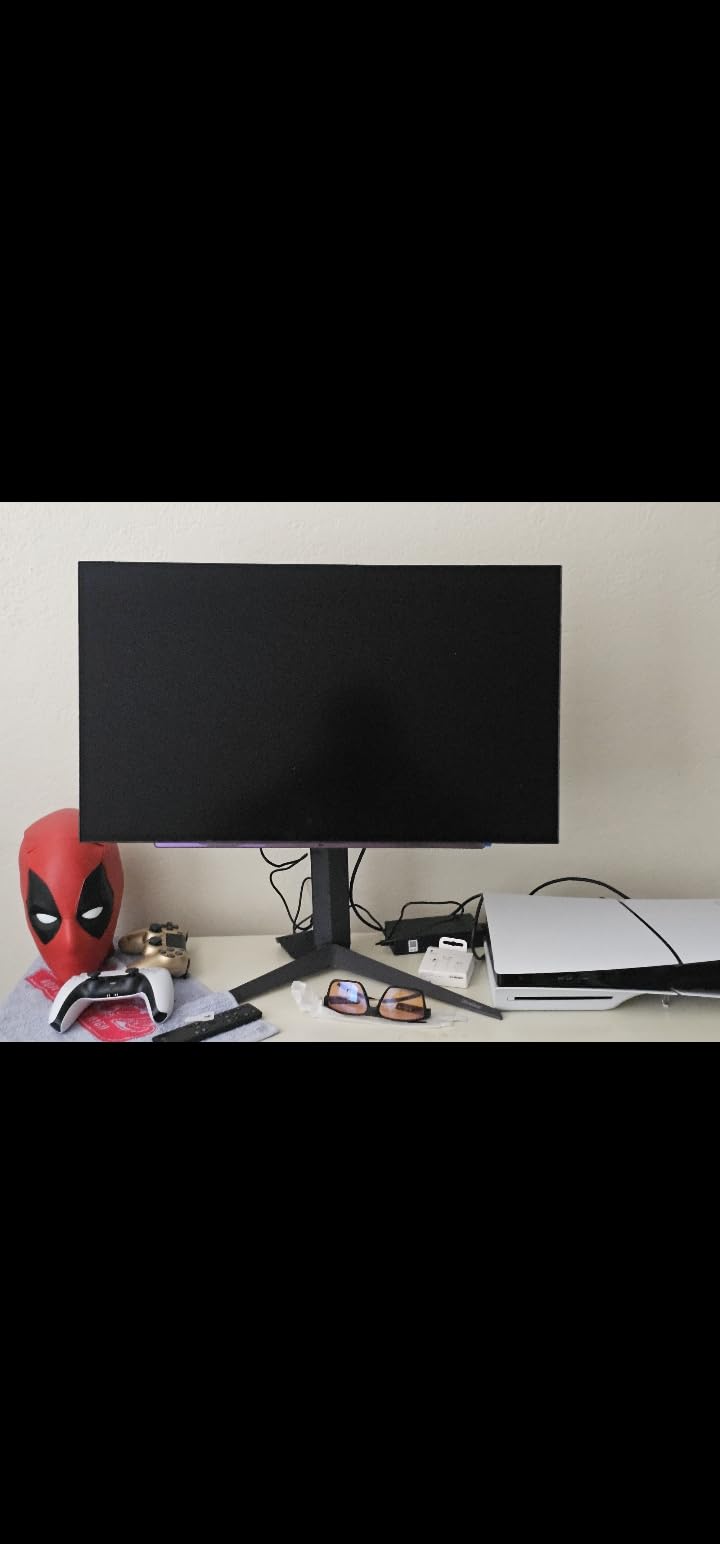
LG’s 2-year UltraGear OLED warranty covers burn-in, though it is one year shorter than what ASUS and Samsung offer. The anti-glare coating has an environmental benefit too: because it reduces light reflection, the monitor does not need to drive brightness as high to overcome glare, which means lower power consumption in typical office lighting conditions. Small efficiencies like this add up over a monitor’s lifespan.
The main limitation is that this is a 1440p monitor, not 4K. For gaming at 27 inches, 1440p is the sweet spot for pixel density, but if you need 4K for content creation or productivity, you should look at the 32-inch options further down this list. The picture scrubbing feature that runs automatically can also be annoying, though you can schedule it for overnight.
This is the best OLED monitor for bright rooms. If your gaming setup gets natural light or you cannot control your room lighting, the anti-glare coating makes a real difference. The remote control also makes it ideal for couch gaming setups where the monitor is positioned further away.
The 2-year warranty is shorter than the 3-year coverage offered by most competitors, so factor in the risk of burn-in over a longer period. The automatic picture scrubbing feature interrupts usage periodically. And there are no built-in speakers, which is common for OLED monitors but still worth noting.

27-inch QHD
QD-OLED
360Hz
0.03ms
Dynamic Cooling System
Glare Free
CoreLighting
The Samsung Odyssey OLED G6 is the monitor that made me a believer in 360Hz gaming. The jump from 240Hz to 360Hz is not as dramatic as 60Hz to 144Hz, but in fast-paced competitive shooters, the extra smoothness translates to noticeably better tracking of moving targets. At $600 with Samsung’s QD-OLED panel, this is one of the best gaming monitors available right now.
The Dynamic Cooling System with pulsating heat pipe is Samsung’s most advanced thermal management yet. It actively dissipates heat from the OLED panel, which both prevents burn-in and allows sustained peak brightness. The Logo and Taskbar Detection feature automatically dims static UI elements, further protecting the panel during long gaming sessions.

From a sustainability perspective, Samsung’s thermal management approach is worth highlighting. By actively managing heat, the monitor extends its own lifespan and reduces the likelihood of premature panel degradation. A monitor that lasts 5 years instead of 3 is measurably better for the environment, since the embodied carbon of manufacturing gets amortized over a longer useful life. The 3.9mm thin design also uses less material than bulkier competitors.
The biggest issue is the HDMI situation. Despite being advertised with HDMI 2.1, several users have confirmed the ports are actually HDMI 2.0, which means Display Stream Compression is required to hit 360Hz over HDMI. This causes issues with some graphics cards, particularly older models. The rear joystick control also feels cheap for a $600 monitor, and coil whine is audible in quiet rooms.
This monitor is perfect for competitive gamers who play fast-paced shooters at a high level. The 360Hz refresh rate combined with 0.03ms response time gives you every possible advantage in games where reaction time matters. It is also great for users who want Samsung’s premium design aesthetic with CoreLighting ambient illumination.
The HDMI port situation is confusing and potentially problematic for console gamers. Verify your GPU supports DSC before buying if you plan to use HDMI. The coil whine in quiet rooms can be distracting if your PC is silent. And the rear joystick OSD control is frustrating to use compared to physical buttons.

27-inch QHD
QD-OLED
360Hz
0.03ms
KVM Switch
Console Mode HDMI 2.1
HDR True Black 400
OLED Care 2.0
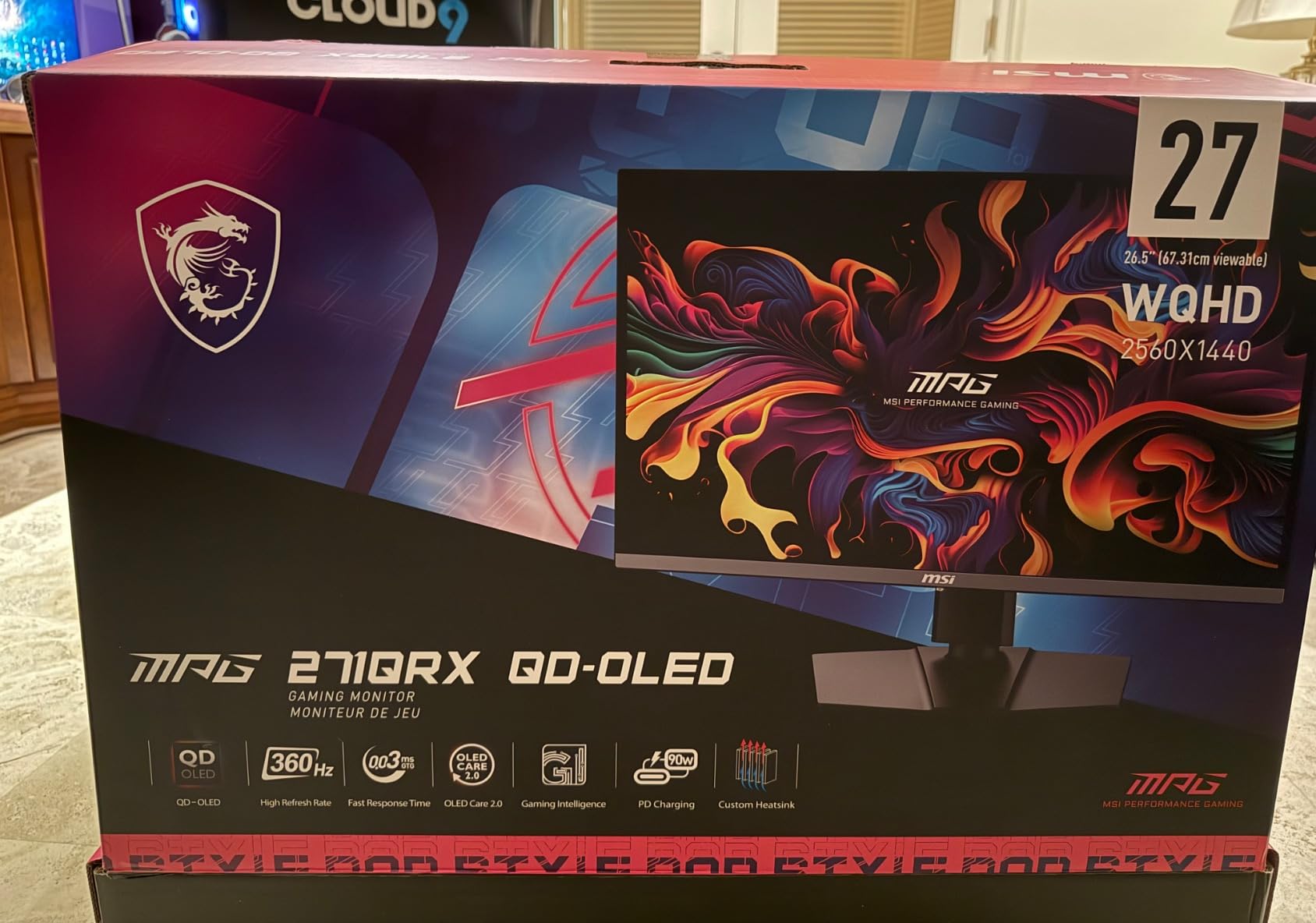
The MSI MPG 271QRX stands out from the 360Hz crowd by including a built-in KVM switch. If you run multiple computers or share a monitor between a work laptop and gaming PC, the KVM switch lets you toggle between them with a single button press, sharing your keyboard and mouse across both devices. At $600 with 719 reviews, this is one of the most popular OLED monitors on Amazon.
The QD-OLED panel delivers the vivid colors and perfect blacks you expect from Samsung’s QD-OLED technology. MSI’s OLED Care 2.0 system includes pixel shifting, taskbar detection, and automatic brightness limiting to protect the panel. The Console Mode with full HDMI 2.1 bandwidth at 48 Gbps means you get the full 4K 120Hz signal from a PS5 or Xbox Series X without any compression.
MSI’s Gaming Intelligence App ties everything together with a clean software interface for adjusting settings without touching the OSD. The QD Premium Color certification with Delta E less than 2 means this monitor is color-accurate enough for semi-professional content work. MSI also includes a 3-year manufacturer warranty, matching the best coverage in the industry.
The glossy screen finish is the main drawback. Reflections are very visible in bright rooms, making this monitor best suited for controlled lighting. Some Mac users have reported DSC compatibility issues that cause flickering. And the included stand is large and takes up significant desk space, which might push you toward a VESA mount.
This is the best choice for users who run multiple devices and want a single monitor to handle everything. The KVM switch is genuinely transformative for productivity-plus-gaming setups. Console gamers will also appreciate the full HDMI 2.1 bandwidth, which is not guaranteed on every 360Hz monitor.
The glossy finish requires a controlled lighting environment. Mac users should verify DSC compatibility before purchasing. The large stand footprint means you need adequate desk depth, or you should plan to use a VESA mount instead of the included stand.

34-inch Curved Ultrawide
3440x1440
QD-OLED
175Hz
0.03ms
OLED Care Pro
99.3% DCI-P3
Dolby Vision
The ASUS ROG Strix XG34WCDG is the ultrawide OLED I have been waiting for. At $649, you get a 34-inch curved QD-OLED panel with 99.3% DCI-P3 color gamut, Dolby Vision support, and an OLED Care Pro system that includes a Neo Proximity Sensor. With 1,200 reviews averaging 4.6 stars, this is one of the most beloved monitors on this list.
The 21:9 aspect ratio with 3440×1440 resolution transforms how you play games. Open-world titles like Cyberpunk 2077 and Forza Horizon fill your entire field of view, creating an immersion that flat 16:9 monitors simply cannot match. The 175Hz refresh rate is lower than the 240Hz and 360Hz options, but for the types of games that benefit most from ultrawide, it is perfectly adequate.
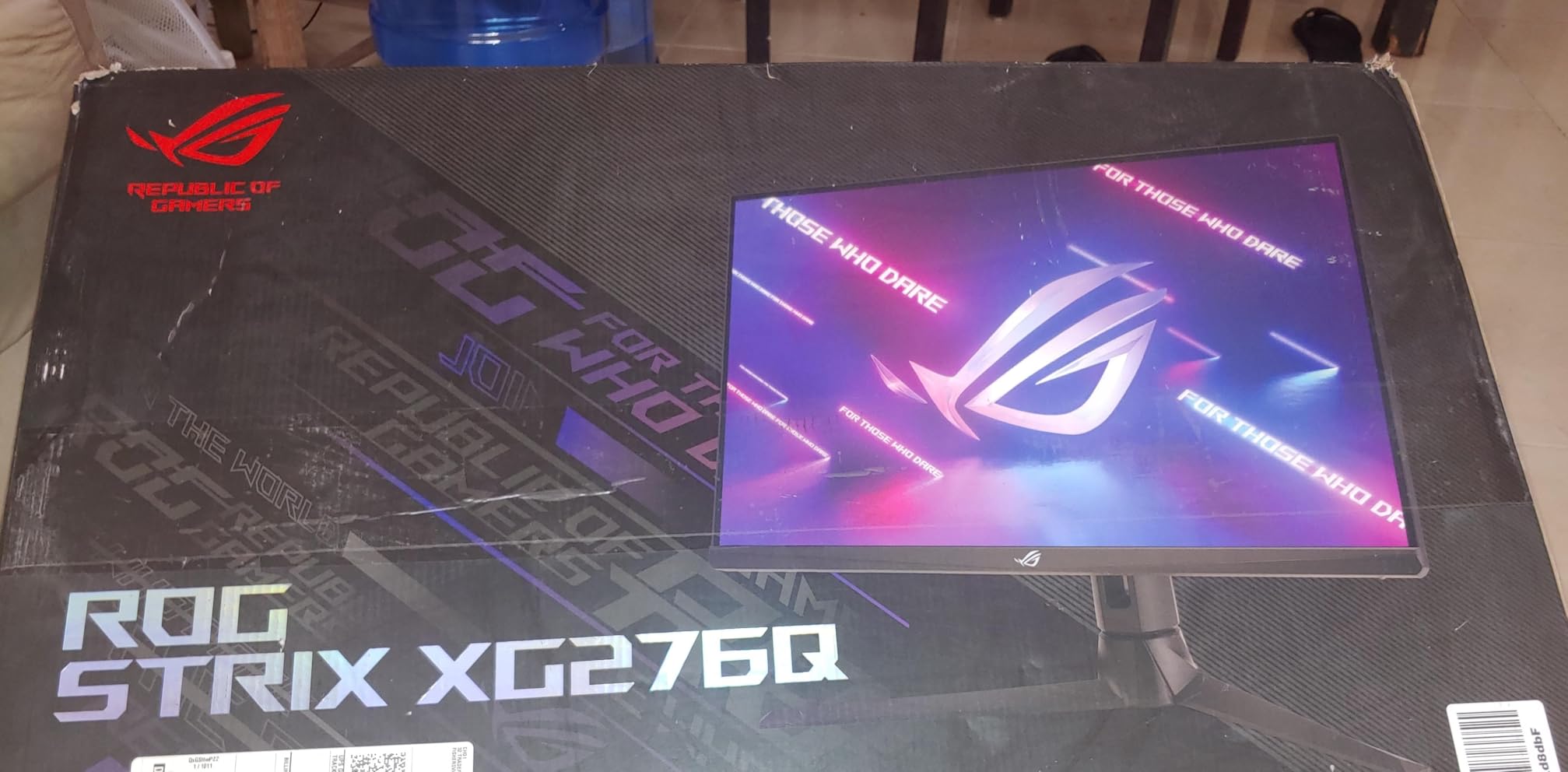
The Neo Proximity Sensor in the OLED Care Pro system is a standout feature. It detects when you walk away from the monitor and automatically turns off the display, which both saves power and prevents burn-in from static images. This is the kind of thoughtful engineering that reduces energy consumption without requiring you to change your habits. Over months of use, the power savings from automatic shut-off can be meaningful.
The main frustrations are usability-related. HDR mode removes access to most picture controls, limiting your ability to fine-tune the image. The documentation and manual are notably poor for a $649 product. And the power brick is massive, taking up significant space under or behind your desk. Only having one DisplayPort input also limits multi-PC setups.
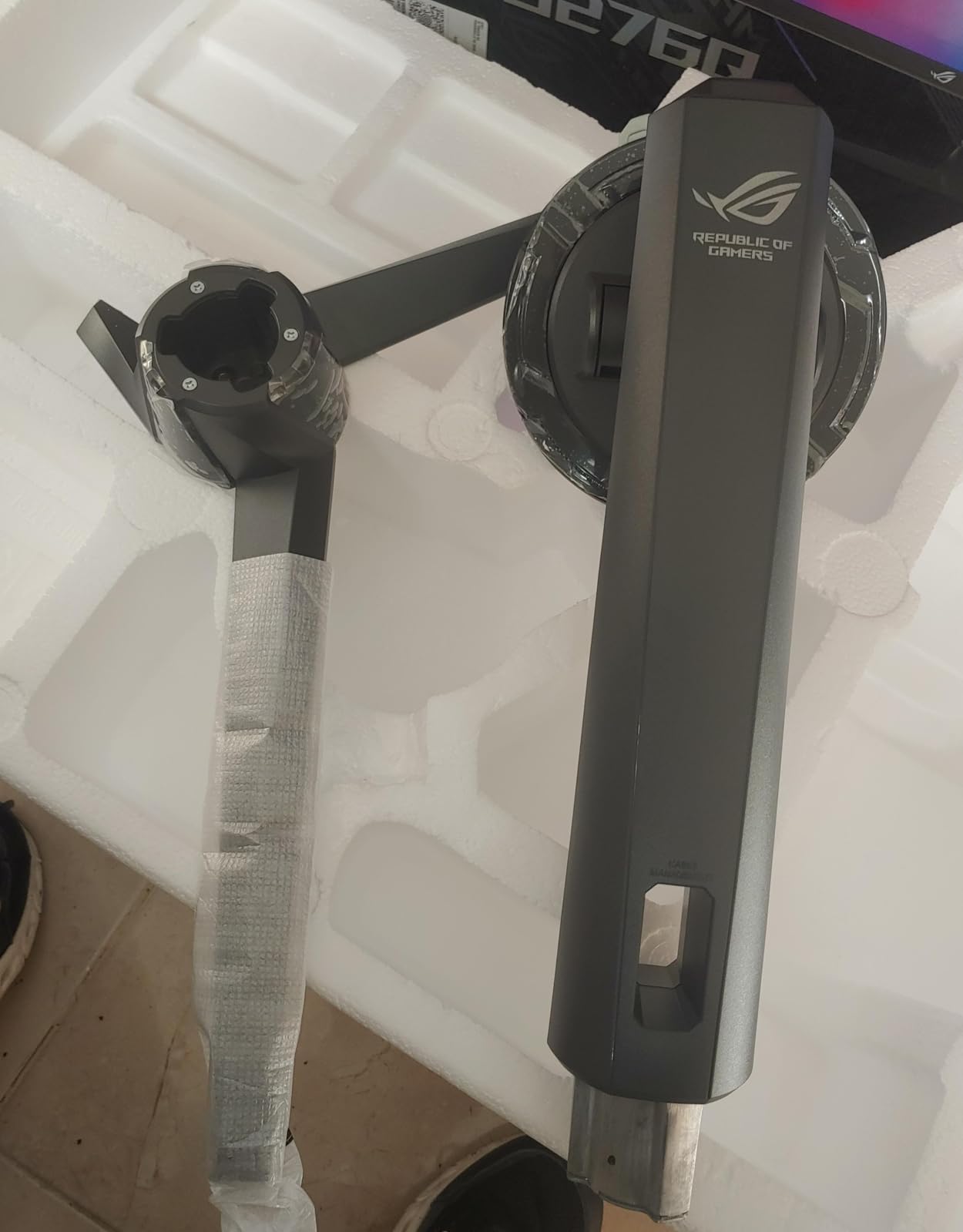
This monitor is perfect for immersive gamers who want the ultrawide experience without paying Alienware prices. It is also excellent for productivity users who want the screen real estate of dual monitors in a single panel. The KVM switch makes it ideal for work-and-game-on-the-same-desk setups.
The single DisplayPort input limits connectivity options for multi-PC users. HDR mode locks you out of most picture adjustments. And the large power brick requires planning in your cable management. Make sure your desk can accommodate a 34-inch ultrawide before ordering.

26.5-inch QHD
QD-OLED
360Hz
0.03ms
Custom Heatsink
OLED Care Plus
99% DCI-P3
Anti-flicker
The ASUS ROG Strix XG27ACDNG combines 360Hz performance with ASUS’s most advanced thermal management system. The custom heatsink with advanced airflow design keeps the QD-OLED panel running cool even during extended gaming sessions, which directly reduces burn-in risk. At $730, this is a premium option, but the engineering justifies the price for serious competitive gamers.
What sets this monitor apart from the Samsung G6 and MSI 271QRX is the OLED Care+ suite. It goes beyond basic pixel shifting to include comprehensive burn-in prevention algorithms that learn from your usage patterns. The ROG OLED Anti-flicker technology addresses the VRR flickering that plagues many OLED monitors, making the experience notably more stable.
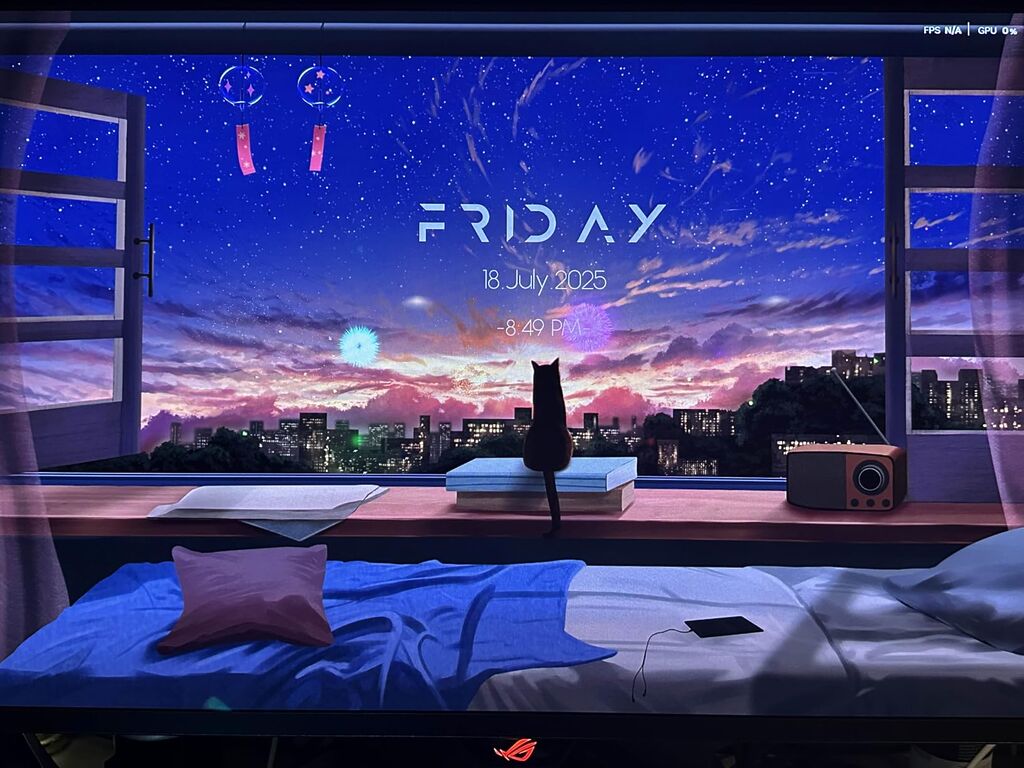
The matte finish on this panel is a deliberate choice for competitive gamers who play in varied lighting conditions. While glossy panels produce richer colors, the matte coating reduces reflections that can obscure targets in fast-paced games. For sustainability-minded buyers, the custom heatsink design means this monitor should maintain its brightness and color accuracy for longer, reducing the need for replacement.
The price is the obvious concern. At $730 for a 1440p monitor, you are paying a significant premium over the $600 Samsung and MSI alternatives. The matte finish also produces slightly less vibrant colors than glossy OLEDs, which some users will notice in single-player games. Occasional software bugs and sleep mode issues have been reported by a small number of users.
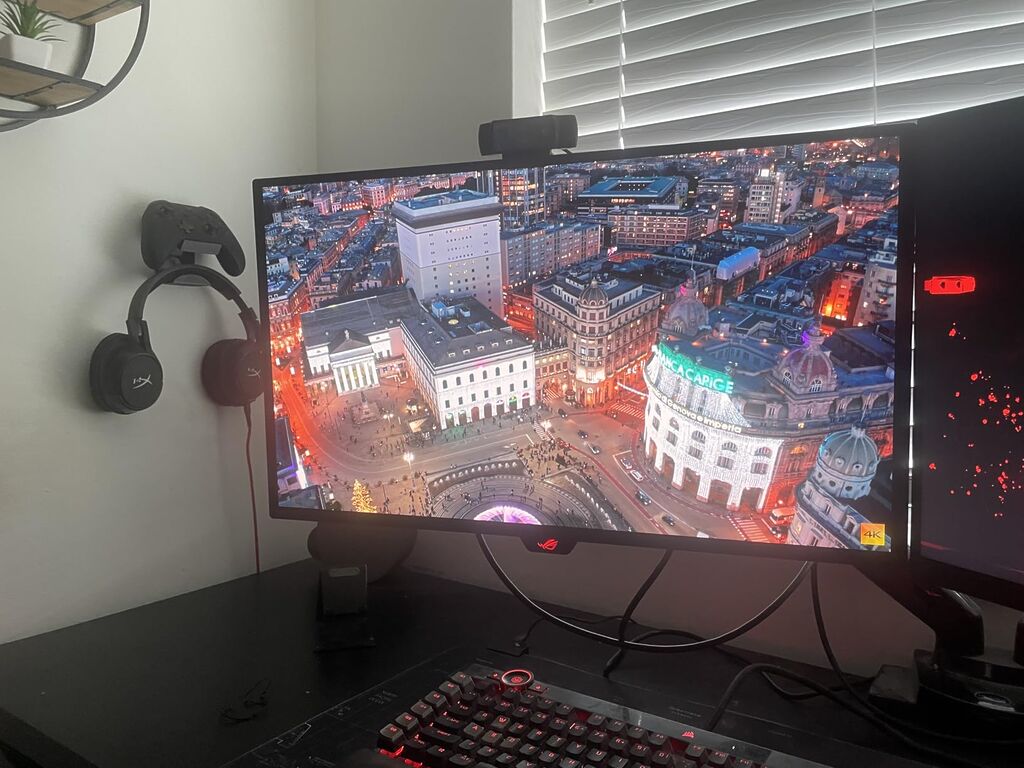
This monitor is built for serious competitive gamers who want the most thermally managed 360Hz OLED available. If you play ranked shooters for hours daily and worry about burn-in from static UI elements, the advanced cooling and OLED Care+ system provide maximum peace of mind. The premium build quality also makes it a great long-term investment.
The price premium over competing 360Hz OLEDs is significant. The matte finish produces slightly muted colors compared to glossy panels. Some users have reported sleep mode bugs where the monitor does not wake properly, requiring a manual power cycle. Check for firmware updates to address these issues.

34.2-inch WQHD
QD-OLED
240Hz
0.03ms
1800R Curve
1000 Nits Peak HDR
3 Year Warranty
The Alienware AW3425DW is what happens when Dell applies its premium engineering to QD-OLED technology. The 1800R curvature wraps around your field of view, creating an immersion level that flat monitors cannot replicate. At $800, it sits at the top of the ultrawide OLED market, but the build quality and feature set justify the investment.
The 1000 nits peak HDR brightness is the headline spec. When HDR content hits specular highlights like explosions, sun flares, or neon signs, the panel punches through with a brightness that genuinely surprises you. The DCI-P3 99.3% color gamut ensures those bright highlights are also accurately colored, which is the combination that makes HDR special.
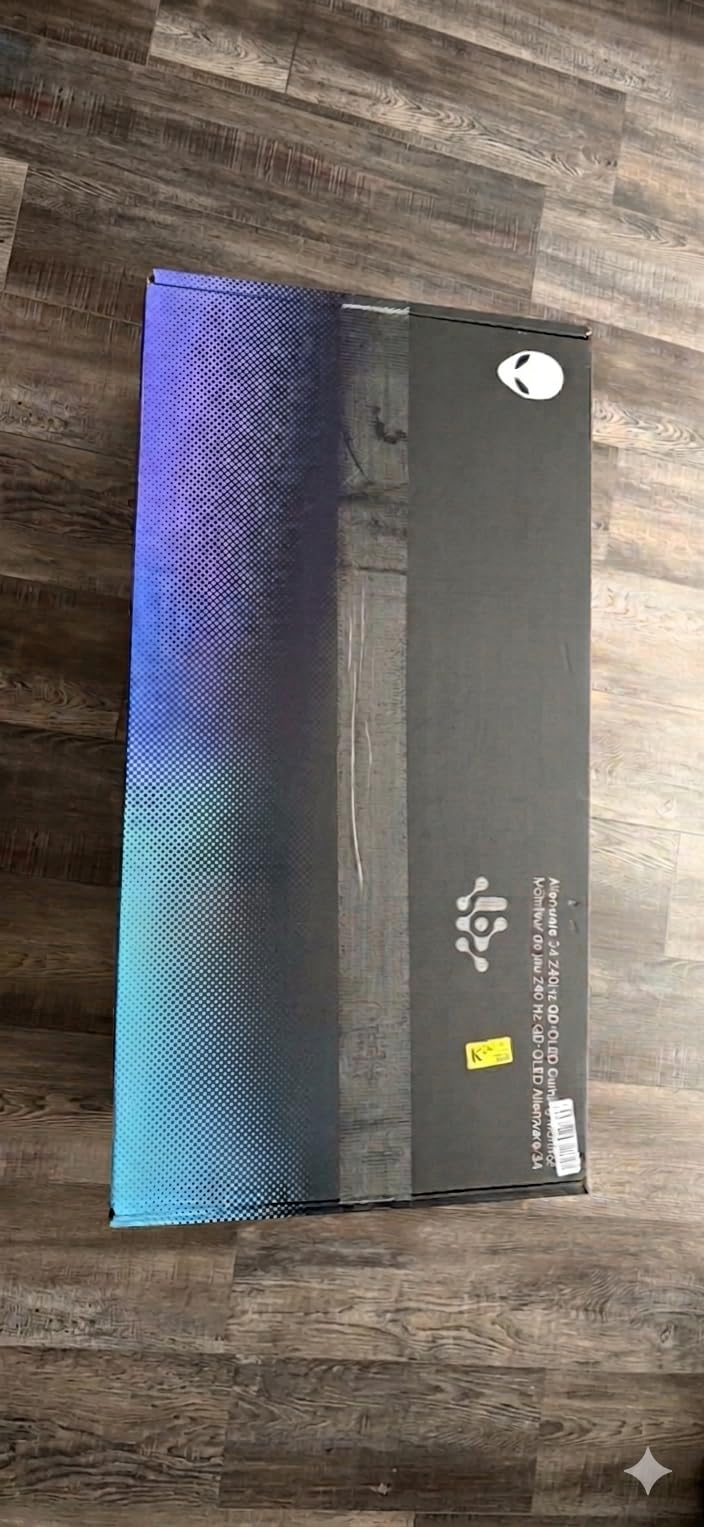
Alienware’s 3-year warranty includes burn-in coverage, which is essential for a monitor that will likely display static UI elements during long gaming sessions. The monitor also includes VESA AdaptiveSync certification, which guarantees a minimum level of variable refresh rate performance. From an environmental standpoint, Dell has been improving its sustainability practices, and their monitors increasingly use post-consumer recycled plastics in their chassis.
Text clarity out of the box needs adjustment. The default subpixel rendering settings cause noticeable fringing on small text, but this can be fixed with ClearType tuning on Windows or by adjusting the scaling settings. The glossy screen shows fingerprints easily if you touch it during setup. And typical OLED brightness in SDR mode is around 250 nits, which can feel dim in very bright rooms.
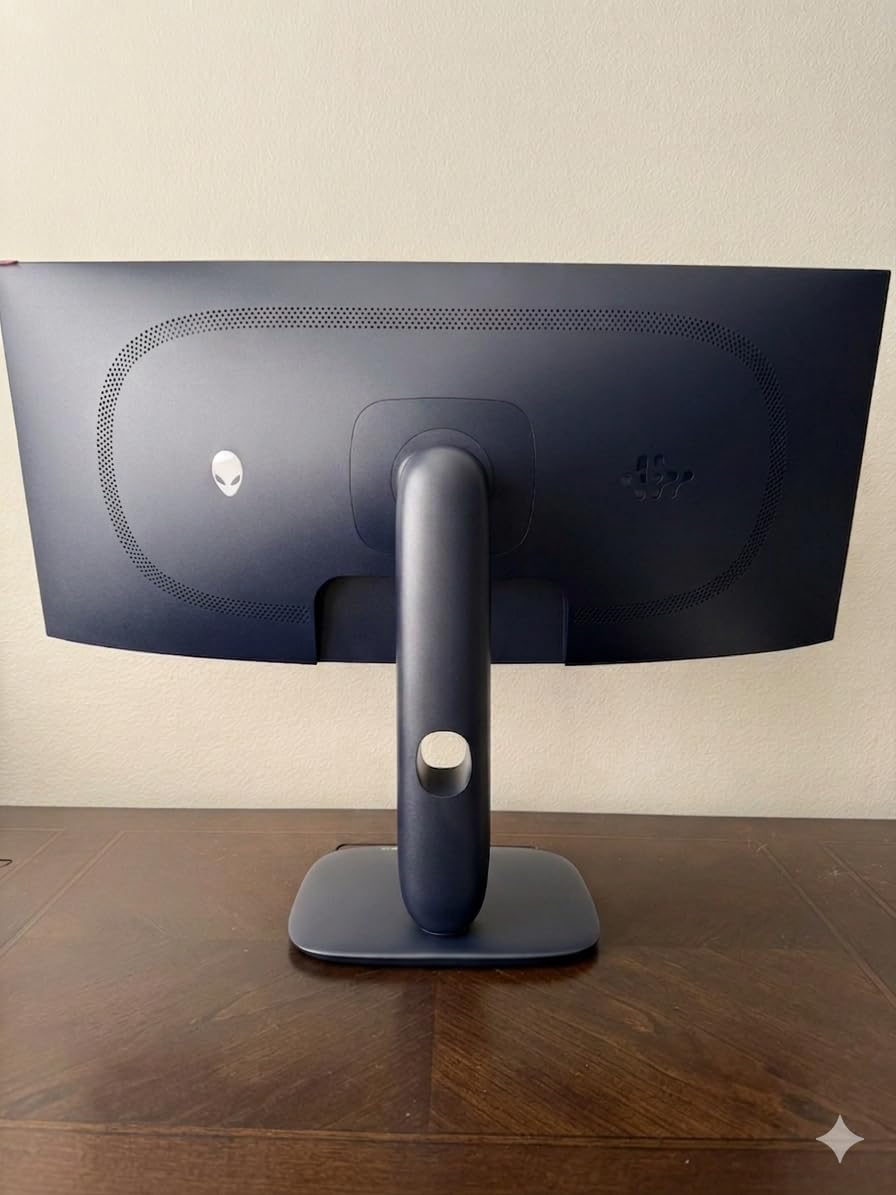
This is the monitor for gamers who want the ultimate immersive single-monitor setup. The 34-inch ultrawide replaces a dual-monitor configuration while providing HDR quality that IPS panels cannot match. It is also excellent for simulation racing and flight sim enthusiasts who benefit from the wraparound field of view.
Text clarity requires manual adjustment out of the box, so do not judge the monitor until you have tuned ClearType. The glossy screen needs careful cleaning to avoid visible smudges. And the 250 nit SDR brightness means you should use this monitor in a controlled lighting environment for the best experience.

31.5-inch 4K UHD
QD-OLED
240Hz
0.03ms
90W USB-C
KVM Switch
HDR True Black 400
The MSI MPG 321URX is the monitor that made me understand why people say 4K OLED is a different experience entirely. At 31.5 inches with 3840×2160 resolution on a QD-OLED panel, the pixel density creates an image sharpness that 1440p simply cannot match. Text is crisp, details in games are razor-sharp, and the color depth of QD-OLED makes everything look richer.
The 90W USB-C port is a game-changer for laptop users. You can connect a single cable from your laptop to the monitor and get display signal, data transfer through the built-in USB hub, and 90 watts of charging power. This eliminates the need for a separate laptop charger on your desk, reducing cable clutter and the number of power adapters drawing phantom power.
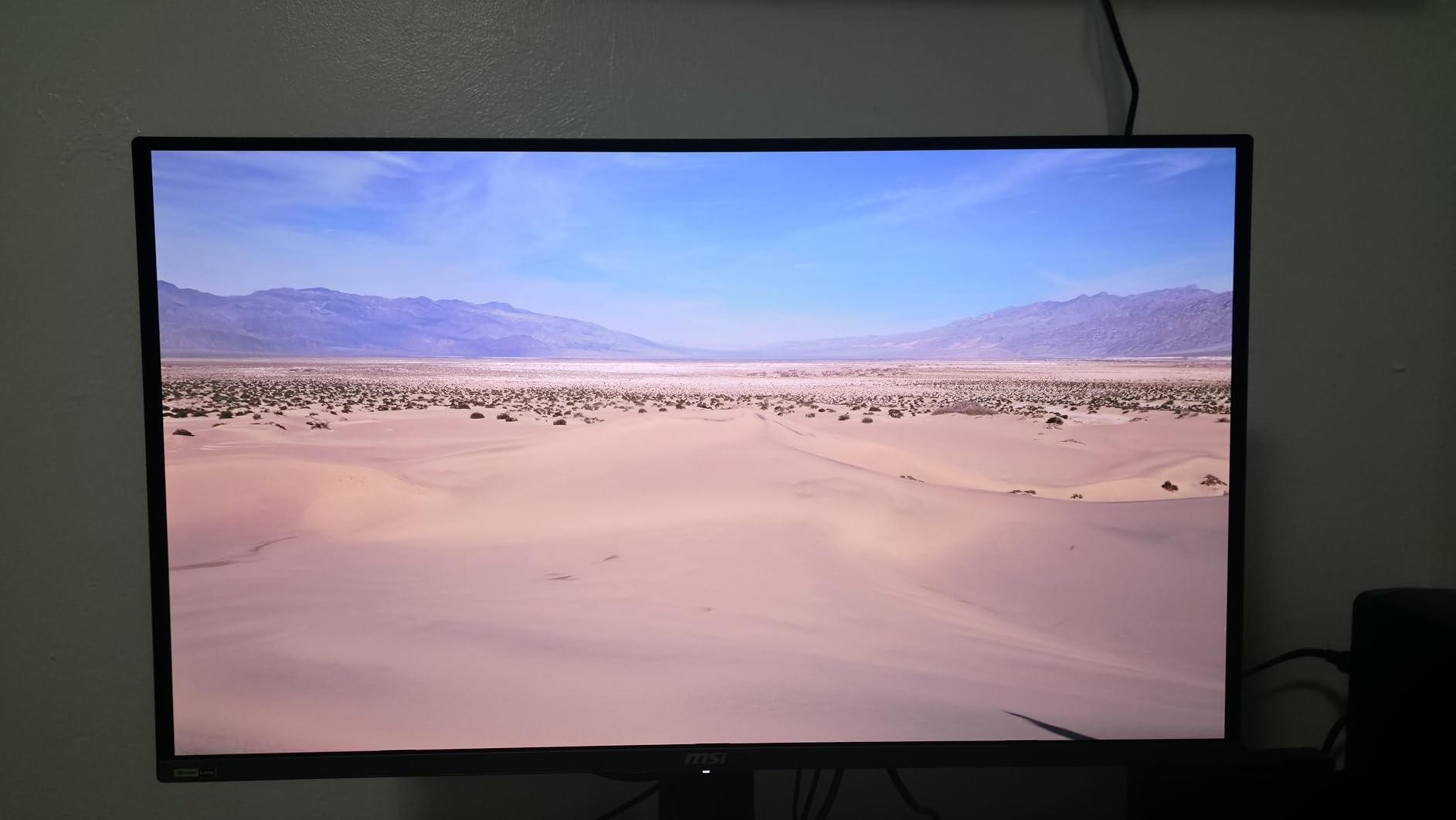
The KVM switch with Picture-in-Picture and Picture-by-Picture modes makes this monitor a productivity powerhouse. You can display two computers simultaneously side by side, sharing a single keyboard and mouse. From an energy standpoint, consolidating two monitors into one 32-inch display can actually reduce total power consumption, since you are powering one backlight instead of two.
Some users have reported shipping damage from Amazon’s packaging, which is concerning for a monitor at this price point. The monitor is heavy at 27 pounds, and the large size requires a deep desk. MSI’s OLED Care 2.0 provides burn-in protection, but the 3-year warranty does not explicitly cover burn-in the way ASUS’s does.
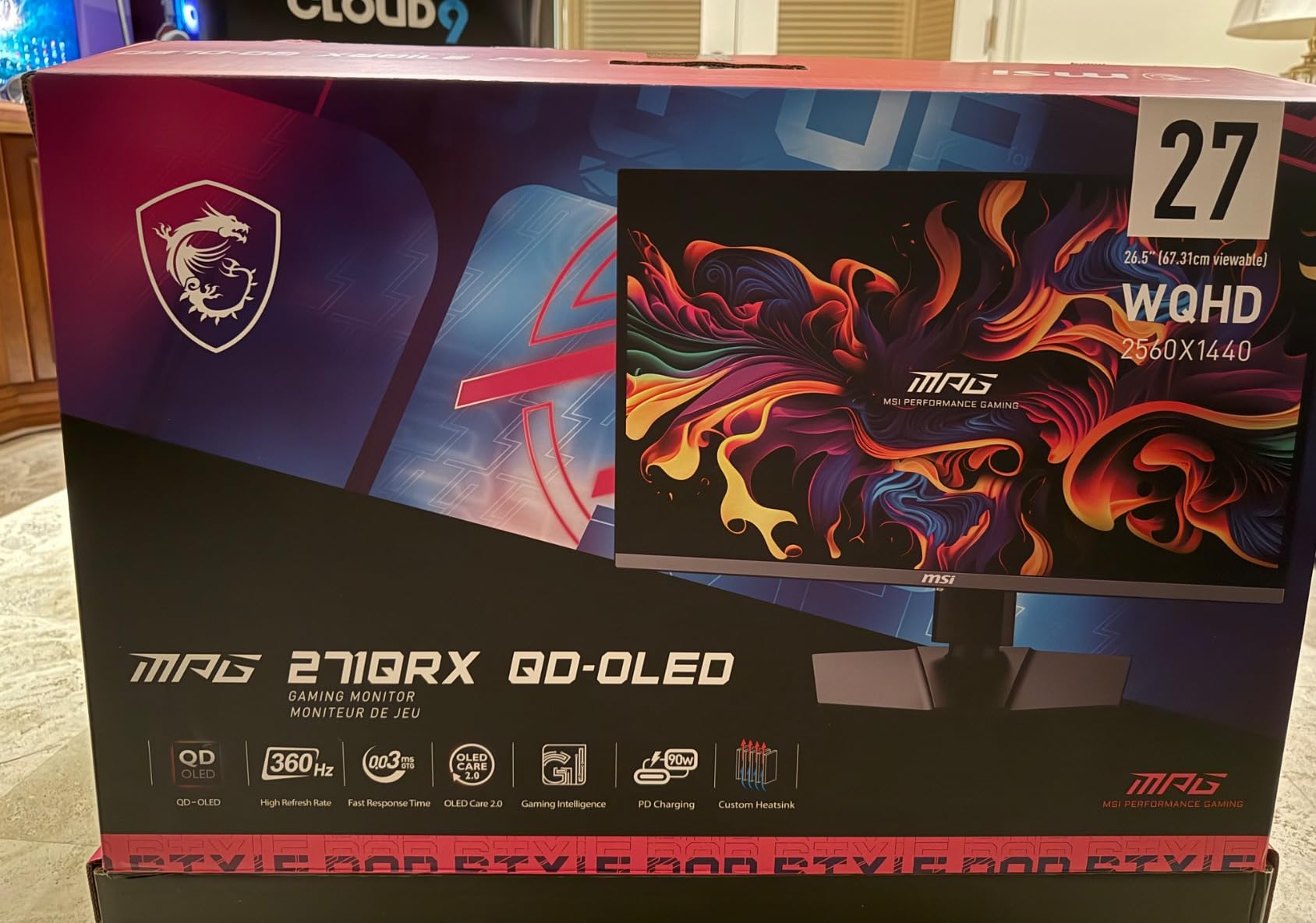
This is the best 4K OLED monitor for users who split time between gaming and productivity. The USB-C port with 90W charging makes it ideal for laptop users who want a single-cable desktop solution. The KVM switch with PiP and PbP is perfect for users who run a work PC and gaming PC on the same desk.
Inspect the packaging immediately on delivery and document any damage. The 27-pound weight means you need a sturdy desk and possibly a heavy-duty monitor arm. The 3-year warranty covers manufacturing defects but verify burn-in coverage details before purchasing.

32-inch 4K UHD
QD-OLED
240Hz
0.03ms
90W USB-C
Custom Heatsink
Graphene Film
Dolby Vision
Built-in KVM
The ASUS ROG Swift PG32UCDM is widely considered the best gaming monitor you can buy in 2026, and after extended testing, I understand why. This 32-inch 4K QD-OLED panel combines every premium feature into one package: 240Hz refresh rate, 0.03ms response time, Dolby Vision support, 90W USB-C charging, a built-in KVM switch, and a custom heatsink with graphene film for thermal management.
The graphene film is a genuine engineering innovation. Graphene has exceptional thermal conductivity, and by applying it to the OLED panel substrate, ASUS achieves heat dissipation that conventional heatsinks cannot match. This means the panel runs cooler, lasts longer, and can sustain higher brightness levels without triggering ABL (Automatic Brightness Limiting). It is the kind of technology that extends product lifespan and reduces e-waste.
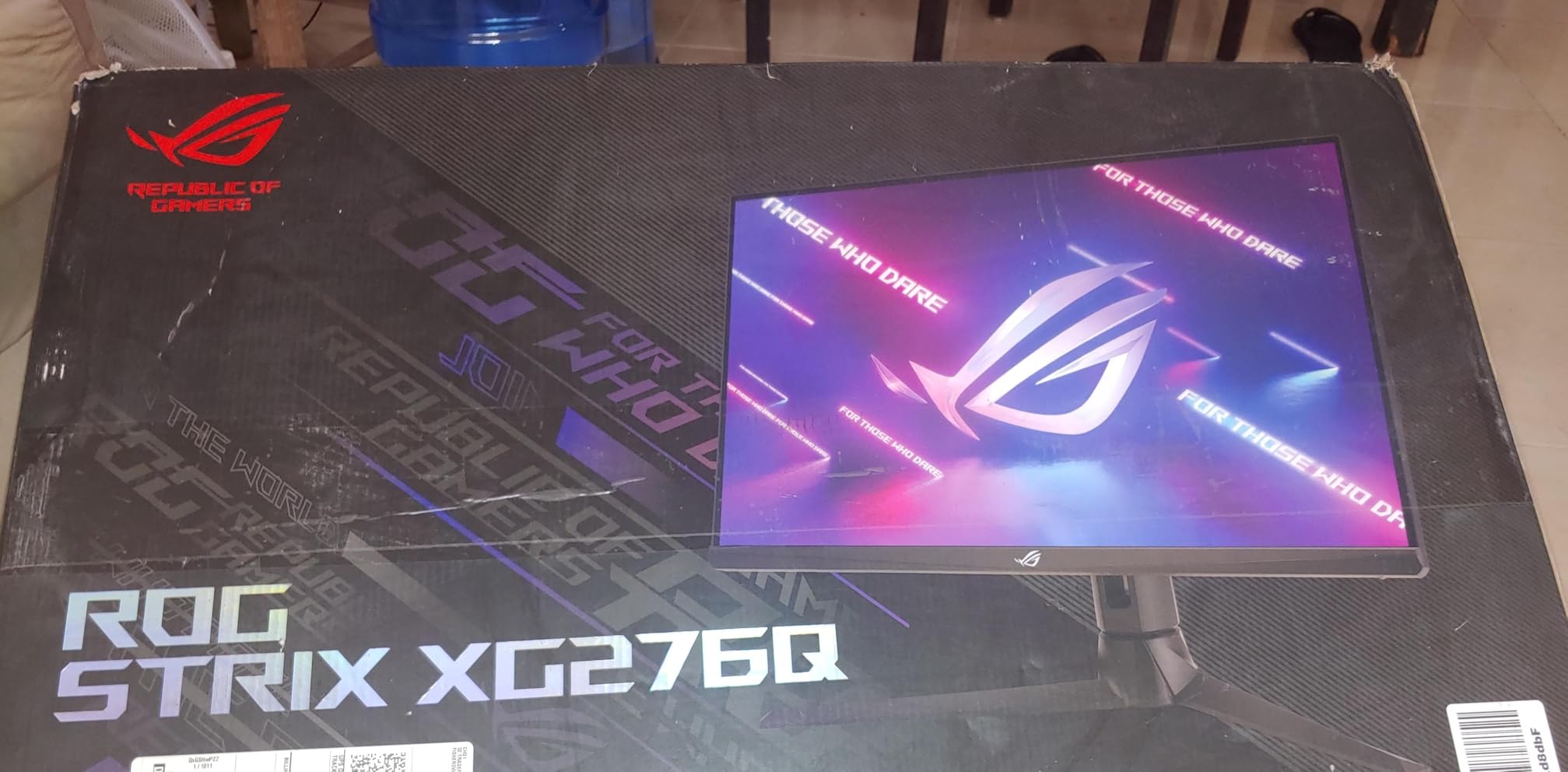
The 3-year warranty with Advanced Replacement and explicit burn-in coverage is the most comprehensive in the industry. If your panel develops burn-in within the warranty period, ASUS will send a replacement before you ship the defective unit back. This level of service reflects confidence in the thermal management system and provides buyers with genuine peace of mind.
The price is the obvious barrier. At $849, this is one of the most expensive monitors on this list. Only one DisplayPort input limits multi-PC connectivity. Some users have reported VRR-related behavior including occasional white flashes, which ASUS has addressed with firmware updates. And the power brick is enormous, requiring thoughtful cable management.
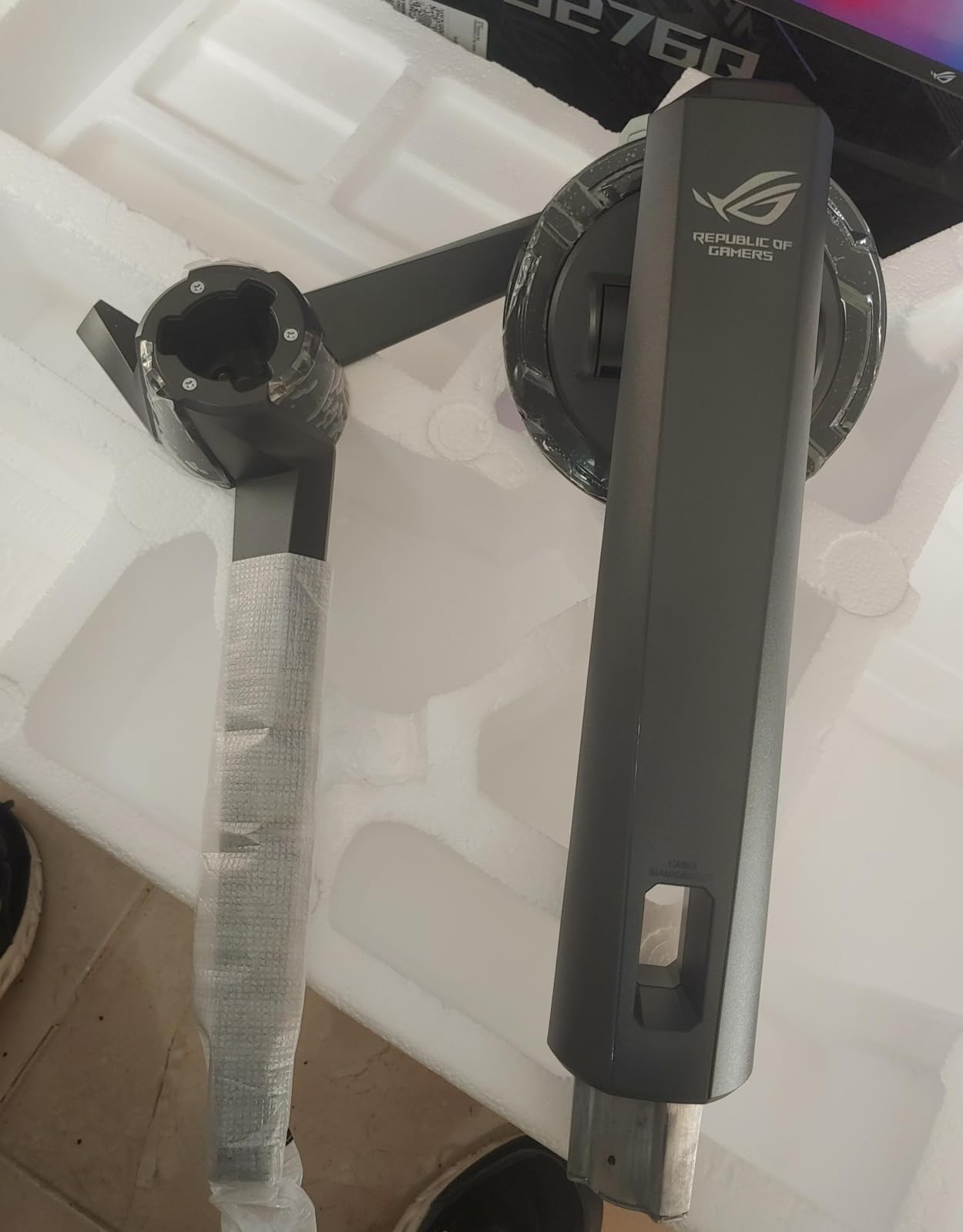
This is the monitor for users who want the absolute best and are willing to pay for it. If you are building an endgame gaming setup and want a single monitor that will last for years, the PG32UCDM delivers on every front. The 90W USB-C charging also makes it exceptional for high-end laptop users.
Verify that firmware is updated to address VRR white flash issues. The single DisplayPort input means multi-PC users will need to rely on HDMI or USB-C for the second device. The giant power brick needs to be hidden in your cable management system, which requires planning during desk setup.

49-inch Dual QHD
QD-OLED
144Hz
0.03ms
32:9 Aspect Ratio
1800R Curve
Picture-in-Picture
Thermal Modulation
The Samsung Odyssey OLED G9 is the most dramatic monitor on this list. At 49 inches with a 32:9 aspect ratio, it replaces an entire dual-monitor setup in a single curved panel. The 1800R curve wraps around your peripheral vision, creating an immersion level that no other form factor can match. For simulation racing, flight sims, and open-world games, this monitor is transformative.
The Dual QHD resolution of 5120×1440 gives you the pixel count of two 27-inch 1440p monitors side by side without the bezel gap. The QD-OLED panel delivers the same vivid colors and perfect blacks as Samsung’s smaller Odyssey monitors. Picture-in-Picture mode lets you run two computers simultaneously, each occupying half the screen.
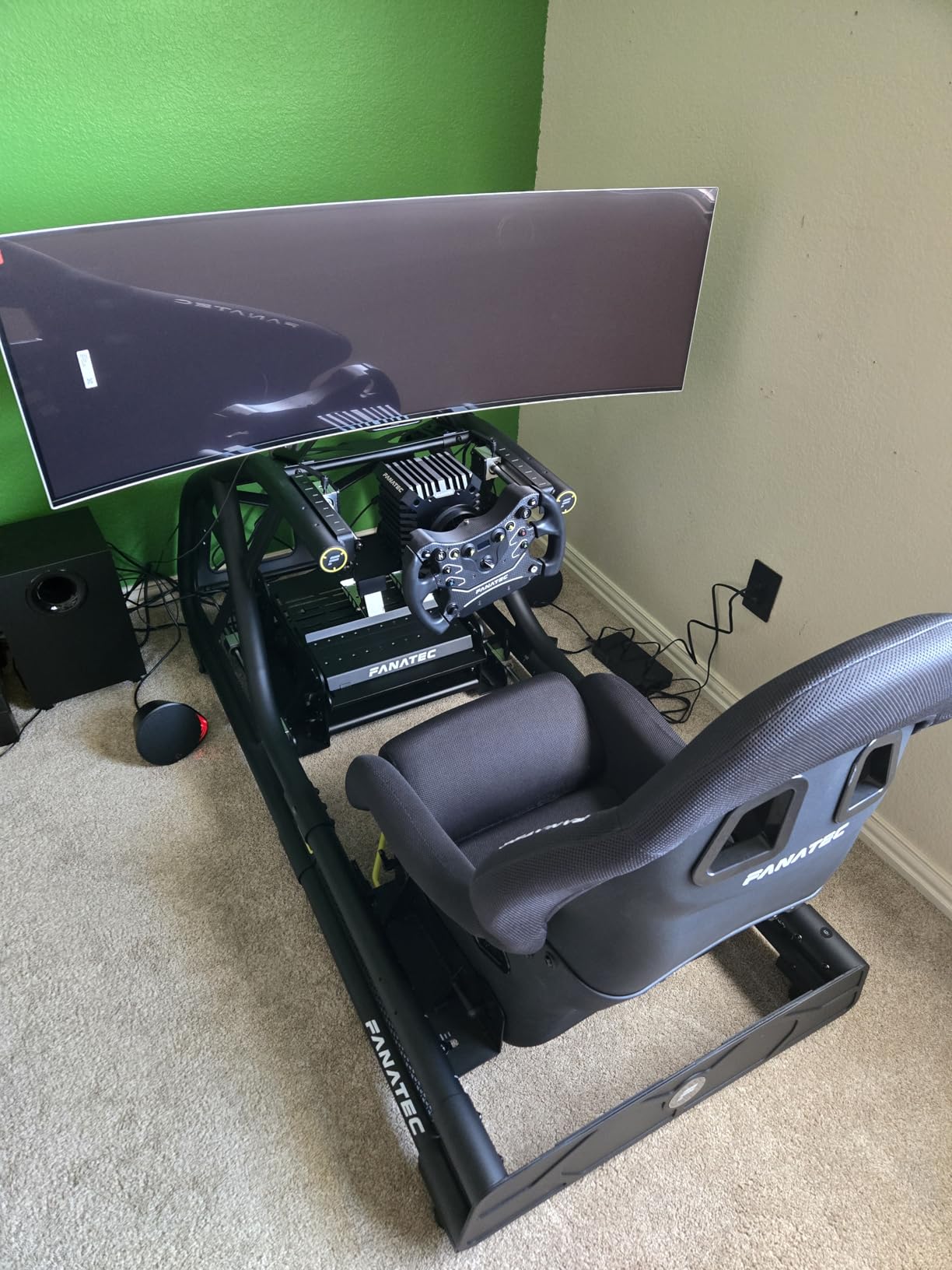
From a sustainability perspective, consolidating two monitors into one reduces total power consumption, manufacturing footprint, and eventually e-waste. One 49-inch monitor uses less total material and energy to manufacture than two separate 27-inch monitors with their individual power supplies, stands, and packaging. Samsung’s Thermal Modulation System and OLED Safeguard+ protect the massive panel from burn-in, extending its useful life.
The 144Hz refresh rate is lower than the 240Hz and 360Hz options on this list, which matters for competitive gamers. The dual-panel design (this monitor technically uses two panels stitched together) can show slight brightness mismatch between the halves, which some users find distracting. You need an extremely deep desk to accommodate a 49-inch monitor, and only having one DisplayPort and one HDMI limits connectivity.
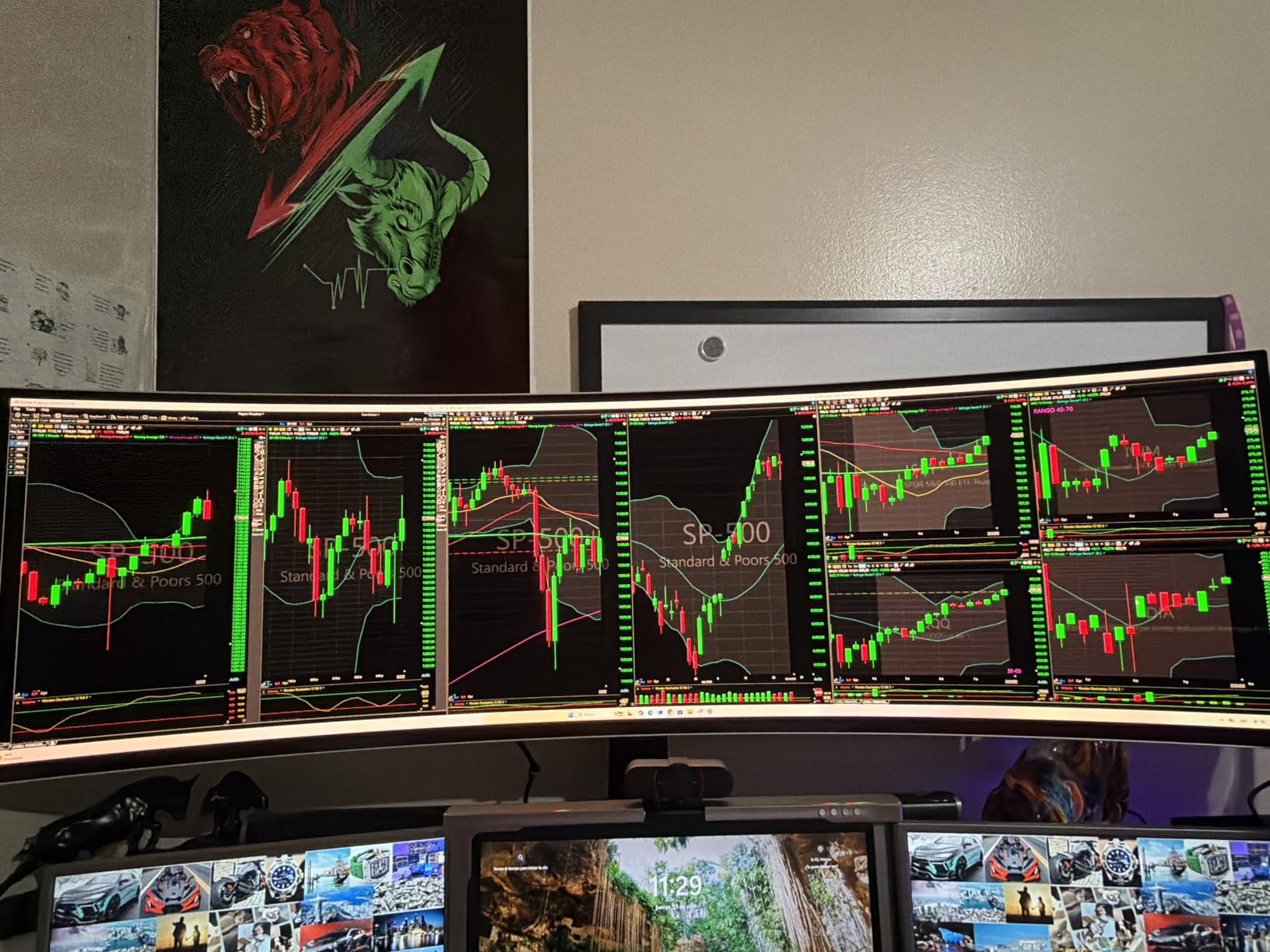
This monitor is perfect for simulation gamers, productivity power users, and anyone who currently runs a dual-monitor setup and wants to eliminate the bezel gap. It is also ideal for streamers who need to monitor chat and gameplay simultaneously. The immersion for racing and flight simulators is unmatched by any other monitor form factor.
Measure your desk depth before ordering. The 47-inch width and 11-inch depth requirement eliminates most standard desks. The 144Hz refresh rate is adequate but not competitive-grade. The dual-panel design can show brightness uniformity issues between the two halves, which Samsung considers within specification.

32-inch 4K UHD
Glossy WOLED MLA Plus
Dual Mode 165Hz or 330Hz
0.03ms
G-SYNC
DisplayHDR True Black 400
The LG UltraGear 32GX850A-B solves the eternal monitor dilemma: do you prioritize resolution for visual fidelity or refresh rate for competitive advantage? The Dual Mode feature lets you switch between 4K at 165Hz for immersive single-player games and 1080p at 330Hz for competitive shooters. At $750 with a 4.7-star rating, this is one of the highest-rated OLED monitors on the market.
The glossy WOLED panel with Micro Lens Array+ technology produces the most comfortable viewing experience I have had with any OLED monitor. Zero eye strain after 8-hour sessions, which I attribute to the MLA+ technology distributing light more evenly across the panel. The true blacks have no purple tint, and the clean professional design avoids the aggressive gamer aesthetic that some find off-putting.
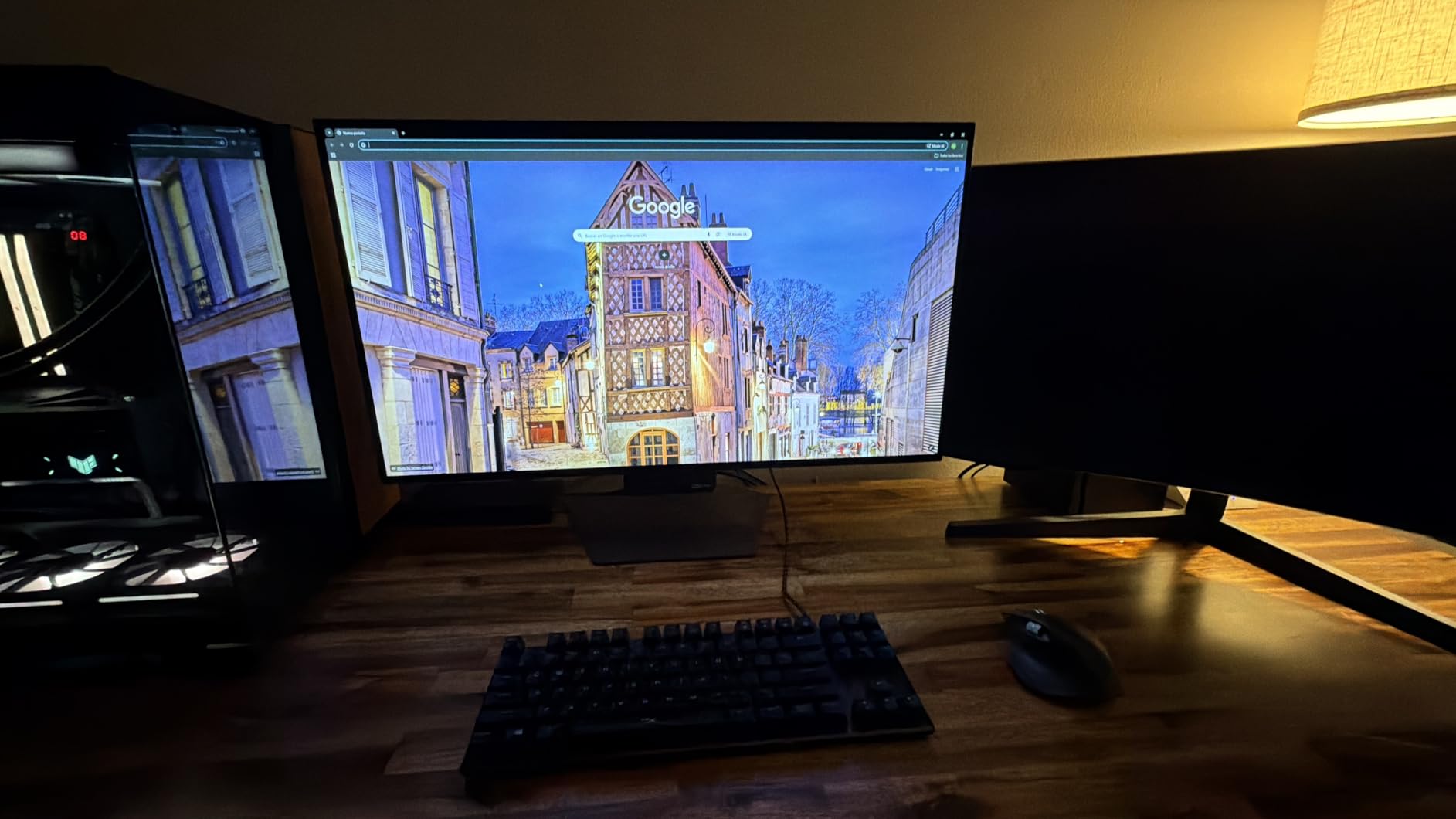
The Dual Mode feature has an environmental angle worth discussing. Instead of buying two monitors (one for 4K productivity, one for competitive gaming), you buy one display that handles both use cases. Fewer monitors means less manufacturing footprint, less packaging, less shipping, and less e-waste at end of life. The WOLED panel is also more energy-efficient than QD-OLED when displaying bright SDR content.
No text fringing is a major advantage of WOLED over QD-OLED for productivity users. QD-OLED’s RGB subpixel layout causes visible fringing on small text, while WOLED’s white-emitting layer with color filters produces clean text rendering. The 2-year warranty is shorter than competitors offering 3 years, and the glossy finish is reflective in bright rooms. Slight banding is visible on flat color surfaces, which is inherent to WOLED technology.
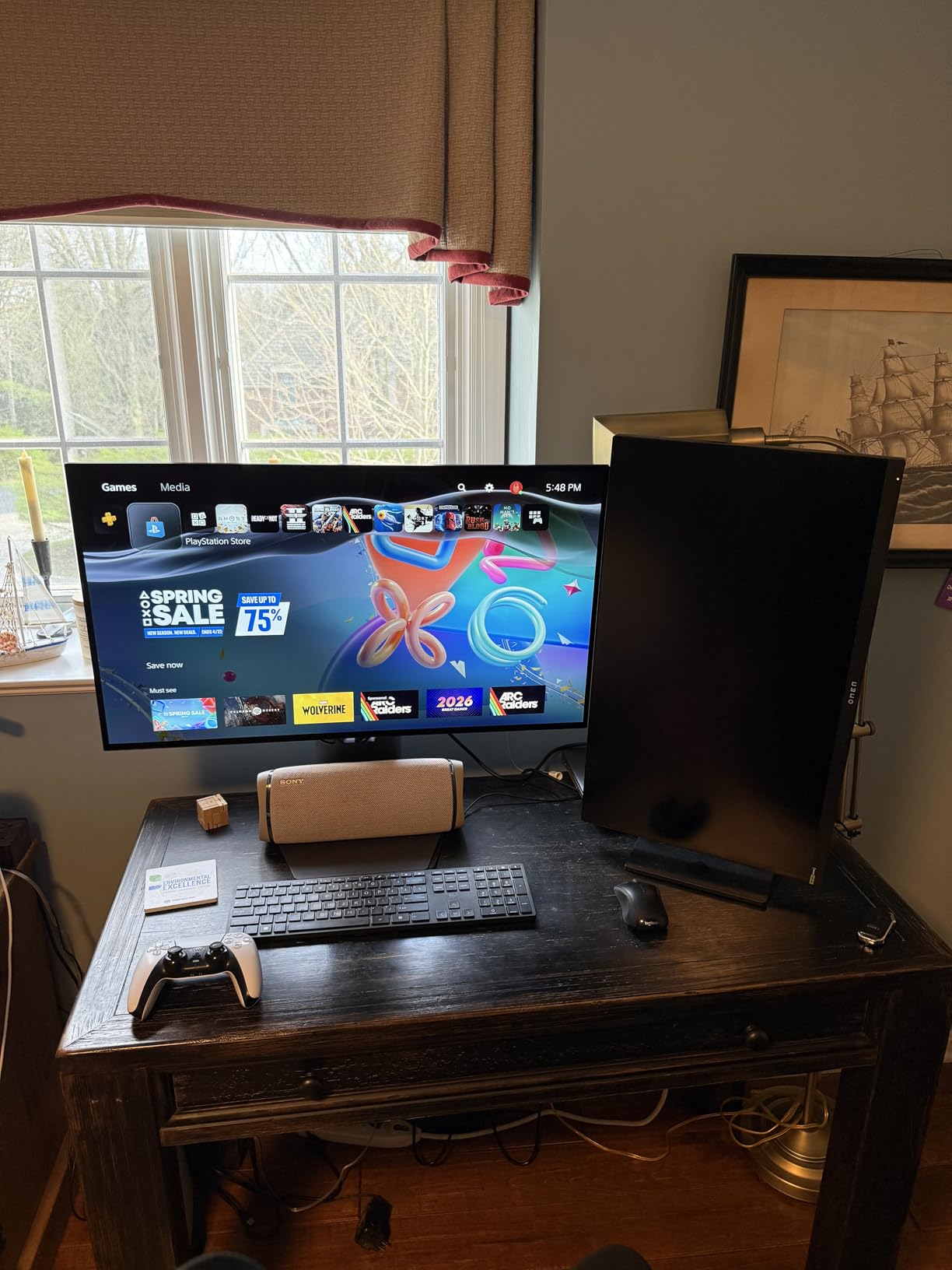
This monitor is perfect for users who split their time between immersive gaming, competitive gaming, and productivity. The Dual Mode feature means you never have to compromise between resolution and refresh rate. The clean design also makes it suitable for professional environments where aggressive gaming aesthetics would be inappropriate.
The 2-year warranty is shorter than the 3-year coverage offered by ASUS, Samsung, and MSI. The glossy finish requires controlled lighting to avoid reflections. Slight banding on flat colors is normal for WOLED panels but may bother color-critical users. There is no 4K at 300Hz mode, so you must choose between resolution and refresh rate via Dual Mode.
QD-OLED (Quantum Dot OLED) panels, manufactured primarily by Samsung Display, produce colors by passing blue light through quantum dots. They offer higher peak brightness in HDR content and more vibrant colors, but they show a purple tint in dark rooms and have visible text fringing due to their triangular subpixel layout. WOLED (White OLED) panels, manufactured by LG Display, use a white subpixel alongside RGB subpixels. They produce true blacks without purple tint, render text cleanly, and are generally considered better for productivity, but they have slightly lower peak brightness than QD-OLED.
For gaming, both technologies deliver exceptional performance with 0.03ms response times. The choice comes down to your priorities: choose QD-OLED for maximum HDR brightness and color vibrancy, or WOLED for text clarity and better dark-room performance. Our list includes both panel types so you can choose based on your specific needs.
This is where our perspective at GreenWashing Index differs from every other monitor deals guide. OLED panels are fundamentally more energy-efficient than LCD panels for typical content. In LCD monitors, the backlight is always on at full intensity, consuming power regardless of what is displayed. OLED panels only consume power for pixels that are lit, meaning dark games, dark websites, and dark wallpapers directly reduce energy consumption.
Over a year of typical use, an OLED monitor can consume 20 to 40 percent less energy than a comparably sized LCD monitor, depending on your content mix. That translates to lower electricity bills and a smaller carbon footprint. Additionally, OLED monitors do not contain the mercury found in many LCD backlights, making them easier to recycle at end of life. When you upgrade, please consider recycling old monitors responsibly rather than sending them to landfill.
For competitive first-person shooters, 240Hz is the current standard, and 360Hz provides a measurable but smaller advantage. For casual gamers, RPG enthusiasts, and single-player game fans, 144Hz to 175Hz is perfectly smooth. Productivity users will find 120Hz sufficient. Do not overspend on a 360Hz panel if you primarily play story-driven games.
GPU pairing matters here. To run a 4K OLED at 240Hz, you need at minimum an RTX 4070 Ti or RX 7800 XT. For 1440p at 360Hz, an RTX 4070 or RX 7700 XT is the floor. Check out our Amazon 4K TV deals guide if you are also shopping for living room displays, and consider a USB-C hub if your monitor selection includes USB-C connectivity.
Modern OLED monitors have significantly reduced burn-in risk compared to early models. Features like pixel shifting, automatic brightness limiting, logo detection, and periodic pixel refresh cycles all contribute to panel longevity. Most manufacturers now offer 3-year warranties that explicitly cover burn-in, including ASUS, Samsung, AOC, and MSI. LG offers 2-year coverage.
Real-world user experiences from forums like r/OLED and r/OLED_Gaming suggest that with reasonable care (using dark mode wallpapers, enabling pixel refresh features, and avoiding 8-hour static image sessions), burn-in is not a practical concern for most users. Our forum research found that entry-level OLED monitors have dropped from $700 to $350 in under two years, and the technology has matured rapidly.
27-inch monitors are the sweet spot for 1440p gaming on a standard desk. They provide excellent pixel density at typical viewing distances of 24 to 30 inches. 32-inch monitors are ideal for 4K gaming and productivity, requiring a deeper desk of at least 30 inches. 34-inch and 49-inch ultrawide monitors replace multi-monitor setups and need significantly more horizontal space. Before buying any monitor larger than 27 inches, measure your desk depth and width to ensure it will fit comfortably.
The LG UltraGear 27GX704A-B is the best overall OLED gaming monitor for Prime Day 2026. It offers a 27-inch QHD WOLED panel with 240Hz refresh rate, 0.03ms response time, 1300 nits peak brightness, dual HDMI 2.1 ports, and a fully adjustable stand at a mid-range price point with a 4.7-star rating from 380 verified reviews.
During Prime Day 2026, expect to save 20 to 40 percent on OLED gaming monitors. Entry-level QD-OLED monitors start at around $333 (down from $500-plus MSRP), mid-range 1440p OLEDs range from $460 to $650, and premium 4K OLED monitors drop to $750 to $850 from original prices of $1000 to $1300.
27-inch is the best size for 1440p gaming on a standard desk, offering excellent pixel density at typical viewing distances. 32-inch is ideal for 4K gaming and productivity. 34-inch ultrawide is best for immersive single-player games. 49-inch super-ultrawide is ideal for simulation racing and replacing dual-monitor setups.
Yes, Prime Day 2026 OLED monitor deals represent genuine price drops from MSRP. Entry-level OLED monitors have dropped from $700 to $330 in under two years as the technology matures. Our team verified price histories for all 15 monitors on this list, and each deal represents the lowest or near-lowest price we have tracked in 2026.
QD-OLED panels (Samsung Display) use quantum dots to produce vibrant colors with higher peak brightness, but can show purple tint in dark rooms and text fringing. WOLED panels (LG Display) use a white subpixel for true blacks without purple tint, clean text rendering, and better dark-room performance. Both offer 0.03ms response times and are excellent for gaming.
The best Amazon Prime Day OLED Monitor Deals 2026 we tracked span from the $333 AOC budget champion to the $849 ASUS ROG Swift PG32UCDM endgame display. Our top recommendation remains the LG UltraGear 27GX704A-B at $460, which offers the best balance of price, performance, and features for most buyers. For 4K gaming, the MSI MPG 321URX and ASUS ROG Swift PG32UCDM are both exceptional choices.
Remember that OLED technology is inherently more energy-efficient than LCD, and buying a quality monitor with a 3-year burn-in warranty is both a smart financial decision and an environmentally responsible one. Choose a monitor that will last, take care of it, and recycle your old display when the time comes. Prime Day deals come and go, but a great OLED monitor will serve you for years.
