

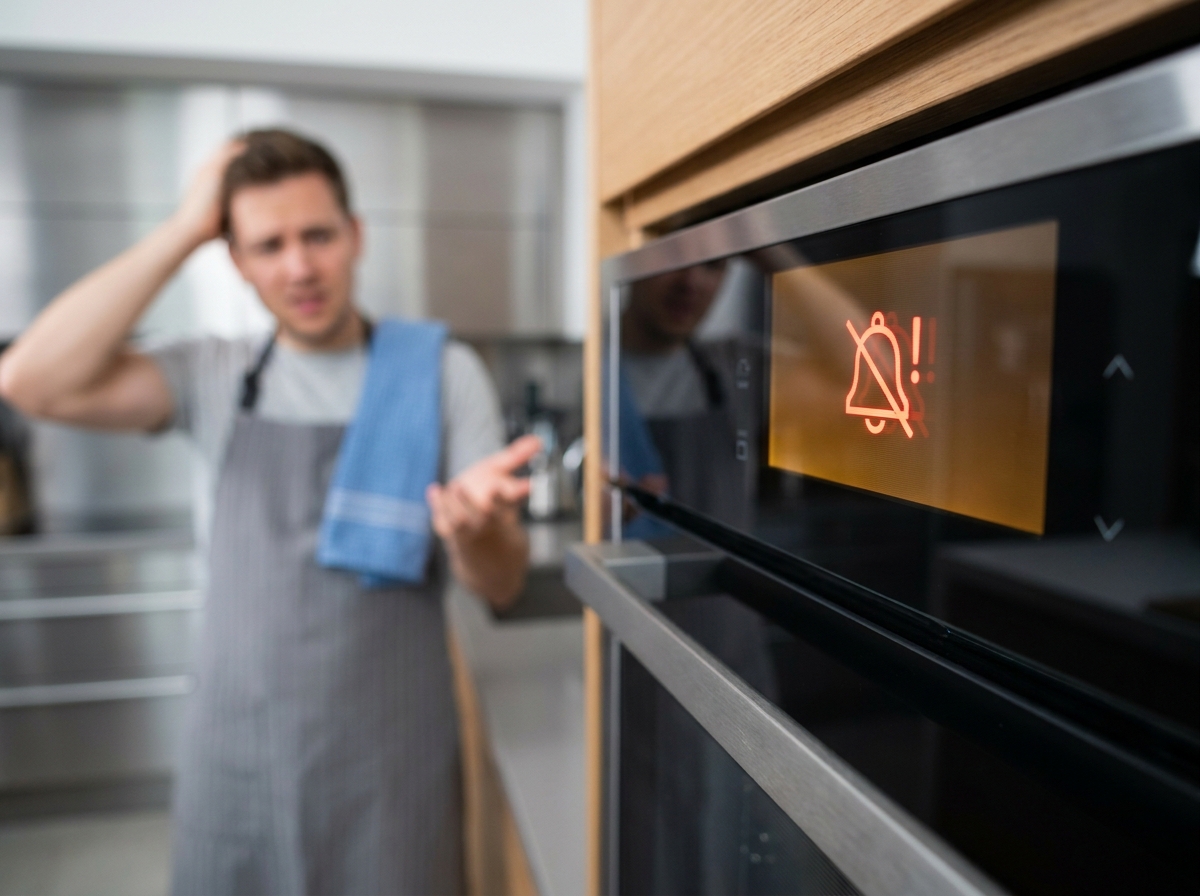
An oven alarm keeps going off when your appliance’s electronic control system detects a condition that requires attention. Modern ovens use sophisticated sensors and microprocessors to monitor temperature, door position, timer settings, and internal electronics. When something triggers these monitoring systems, the beeping alarm activates to alert you to the issue.
This constant beeping can disrupt your kitchen routine and indicate problems ranging from simple user errors to serious electrical faults. Understanding why your oven keeps beeping helps you determine whether you need a quick reset or professional repair service.
In this guide, our team explains the most common causes of persistent oven alarms and provides step-by-step solutions you can try at home before calling a technician.
When your oven alarm keeps going off unexpectedly, the cause usually falls into one of four categories: control board issues, timer problems, door latch faults, or electrical disruptions. Identifying the root cause saves time and prevents unnecessary repair costs.
The control board acts as the electronic brain of your oven, processing inputs from sensors and user commands. A malfunctioning control board often sends false signals that trigger the alarm even when no actual problem exists.
Power surges are the leading cause of control board damage in residential ovens. Lightning strikes, grid fluctuations, or turning on high-draw appliances can create electrical spikes that disrupt the board’s programming. Once damaged, the board may interpret normal operations as errors, causing persistent beeping.
Signs of a failing control board include random beeping when the oven is off, display flickering, buttons that do not respond, and error codes that appear without clear cause. Our team has found that control board replacements typically cost between $200 and $400 depending on the brand and model.
Accidental timer activation ranks among the most common reasons for unexplained oven beeping. Many users unknowingly press the timer button while cleaning the control panel or reaching for other kitchen items.
When the countdown timer reaches zero, most ovens emit a series of beeps to signal completion. If you were not aware the timer was running, these beeps seem to come out of nowhere. Similarly, ovens with unset clocks may beep to remind you to set the time, especially after power interruptions.
The control lock feature, present on many modern ovens, can also trigger confusion. When engaged, this safety feature disables all buttons and may emit warning beeps if someone attempts to use the controls.
Your oven monitors the door position through a small switch or sensor near the latch mechanism. If the door does not close fully or the switch malfunctions, the oven may beep continuously to warn you of the open door condition.
Door seal deterioration, misaligned hinges, or debris around the latch can prevent proper closure. Some ovens also detect high internal temperatures and beep as a safety warning, even when the door appears closed.
Inspect the door seal for cracks or tears that might prevent proper contact with the frame. Clean around the latch area to remove food particles or grease buildup that could interfere with the switch mechanism.
Electrical disruptions frequently cause ovens to beep when power is restored. After an outage, many ovens beep to indicate they have power again and may display error codes or flash the clock display.
Electrical grounding issues can also trigger false alarms. If your oven shares a circuit with other high-draw appliances, voltage fluctuations may confuse the control electronics. Wolf and Sub-Zero ovens specifically note that electrical grounding problems can cause random chiming or beeping.
Check your circuit breaker panel to ensure the oven has a dedicated circuit or is not overloaded with other major appliances. If your home experiences frequent power fluctuations, consider installing a whole-home surge protector to protect sensitive oven electronics.
Systematic troubleshooting helps isolate the cause of persistent oven beeping and often resolves the issue without professional intervention. Start with the simplest solutions before moving to more complex diagnostics.
Turn off the oven at the control panel, then disconnect power at the circuit breaker. Wait at least 30 seconds, though our team recommends 5 minutes for a complete capacitor discharge. Restore power and check whether the beeping resumes.
This simple reset clears temporary memory errors and recalibrates the control board. Forum users consistently report that this method resolves approximately 60 percent of unexplained beeping issues.
Examine the control panel for buttons that feel stuck or require extra pressure to activate. Moisture from cooking steam or cleaning can seep behind the touchpad membrane and cause phantom button presses.
Clean the control panel with a slightly damp cloth, avoiding excess moisture. Pay special attention to the timer, clock, and start buttons, which users accidentally press most frequently.
Open and close the oven door firmly several times to ensure the latch engages properly. Listen for the click of the door switch activating. If the door does not close smoothly or the switch does not click, the oven may interpret this as a door-ajar condition.
Remove any racks that might protrude and block full door closure. Check the door seal for damage that could prevent proper alignment.
Many ovens have specific button combinations to reset the control board to factory defaults. For GE ovens, pressing the Kitchen Timer On/Off button twice often clears error states. Consult your owner’s manual for brand-specific reset procedures.
After resetting, you may need to reconfigure the clock and any custom settings. If the beeping stops after reset but returns later, this indicates an underlying hardware issue requiring professional evaluation.
Modern ovens display error codes when internal diagnostics detect specific faults. Knowing what these codes mean helps you communicate effectively with repair technicians.
F1 Error: This code typically indicates a control board or touchpad malfunction. On many GE and Frigidaire models, F1 suggests the control board has detected an abnormal condition in the temperature sensor circuit.
F2 Error: Usually signals an overheating condition or temperature sensor failure. The oven may beep continuously while displaying this code to warn of potential safety hazards.
E1 and E2 Errors: Common on Samsung and LG ovens, these codes often relate to temperature sensor issues or internal communication failures between oven components.
F3 or F4: These codes typically indicate open or shorted temperature sensor circuits. The oven cannot accurately monitor internal temperature, which triggers safety beeping.
If your oven displays any error code repeatedly after resetting, document the exact code and contact a certified repair technician. Continuing to use an oven with active error codes may create safety risks or cause additional damage.
Different oven manufacturers use unique control systems and error coding. These brand-specific tips address common beeping issues for major appliance makers.
GE ovens frequently beep due to the Kitchen Timer feature. Press the Kitchen Timer On/Off button to check if an active timer is causing the noise. Some GE models display “BEEP” on the control panel when the timer sounds.
For control panel resets on GE ovens, turn the breaker off for one full minute before restoring power. This extended reset period allows the capacitors to fully discharge.
Whirlpool ovens include a Control Lock feature that, when activated, causes beeping if someone presses any button. Look for a small padlock icon on the display. To unlock, hold the Control Lock button for three seconds.
KitchenAid ovens may beep when the Sabbath Mode is accidentally activated. This feature disables displays and sounds except for specific alerts. Check your manual to disable Sabbath Mode if unintentionally engaged.
Samsung ovens with smart features may beep to indicate WiFi connectivity issues or software updates. Check the SmartThings app if your oven is connected to your home network.
LG ovens often beep when the EasyClean or Self-Clean cycles complete. If beeping continues after cleaning, verify that the door lock has fully disengaged.
Frigidaire ovens commonly display F10 errors indicating a runaway temperature condition. This serious error causes continuous beeping and requires immediate attention. Turn off the breaker and call for service.
Electrolux ovens may beep when the probe temperature sensor is disconnected or faulty. If you use the temperature probe feature, ensure it is properly inserted into the jack.
Some oven beeping issues require certified technician intervention. Attempting complex repairs without proper training risks electrical shock, gas leaks, or voiding your warranty.
Call a professional if the oven beeps continuously even after power cycling, displays persistent error codes like F1 or F10, shows signs of physical damage to the control board, or emits burning smells alongside beeping. These symptoms indicate serious electrical faults that pose safety hazards.
Control board replacement typically costs $200 to $400 for parts plus $100 to $200 for labor. Door switch repairs range from $100 to $250 total. Temperature sensor replacement usually runs $150 to $300.
Consider replacement rather than repair if your oven exceeds 10 years of age, requires multiple component replacements, or the repair estimate exceeds 50 percent of a new oven’s cost.
Regular maintenance reduces the likelihood of control board glitches and sensor malfunctions that cause unexpected beeping. These simple practices extend your oven’s lifespan and prevent disruptive alarms.
Clean the control panel weekly with a soft, dry cloth to prevent grease and moisture accumulation. Avoid spraying cleaning products directly onto buttons; instead, apply cleaner to your cloth first.
Install a surge protector on the circuit powering your oven to shield the control board from voltage spikes. Whole-home surge protection offers the best defense for all appliances.
Inspect the door seal monthly for cracks or deterioration. A tight seal prevents heat loss that can trigger temperature-related error codes. Replace damaged seals promptly to maintain proper oven function.
Schedule professional inspection every two to three years for ovens over five years old. Technicians can identify wiring issues, calibration drift, and component wear before they cause beeping problems.
Your stove beeps unexpectedly due to accidental timer activation, control board glitches, or door latch issues. Check if the Kitchen Timer was pressed accidentally, reset the oven by turning off the breaker for 5 minutes, and inspect the door for proper closure. If beeping continues after these steps, the control board may need professional evaluation.
Signs include random beeping when the oven is off, unresponsive buttons, flickering or dim display, error codes appearing without cause, and the oven failing to heat properly. If power cycling does not resolve these symptoms, the control board likely requires replacement by a certified technician.
Turn off the circuit breaker supplying power to your GE oven and wait at least 60 seconds. Restore power and set the clock if needed. For timer-related beeping, press the Kitchen Timer On/Off button twice. If the F1 or F2 error code appears, unplug the oven for 5 minutes before reconnecting.
An oven beeping means the electronic control system has detected a condition requiring attention. Common triggers include completed timers, preheat alerts, door-ajar warnings, overheating detection, error codes, or control board malfunctions. Each beep pattern conveys specific information about the oven’s status.
Most modern ovens do not allow complete disabling of safety beeps due to regulatory requirements. However, you can often reduce volume or disable non-essential timer sounds through the settings menu. Consult your owner’s manual for specific instructions. Never attempt to disconnect the speaker physically, as this may void warranties and create safety risks.
Power outages disrupt the oven’s internal clock and memory, causing beeping when electricity returns as the appliance attempts to alert you to reset the time and check for errors. Turn off the breaker for 5 minutes, restore power, and set the clock. This clears most post-outage beeping issues.
A beeping oven is not inherently dangerous, but it may indicate safety hazards like overheating or electrical faults. Continuous beeping with burning smells, visible sparks, or error codes F1, F2, or F10 requires immediate attention. Turn off the breaker and call a technician if you observe these symptoms alongside beeping.
An oven alarm keeps going off for various reasons, from simple timer settings to serious control board failures. By methodically working through the troubleshooting steps outlined above, you can resolve most beeping issues without professional help.
Start with the easiest solutions: checking for active timers, power cycling the oven, and inspecting the door latch. If these steps do not stop the beeping, consult the error code section to understand what your oven is trying to communicate.
Remember that persistent beeping after troubleshooting attempts signals a hardware problem requiring certified repair. Safety should always take priority; if you smell burning, see sparks, or observe error codes indicating overheating, disconnect power immediately and contact a professional technician.
With proper maintenance and prompt attention to warning signals, your oven should provide years of reliable service without disruptive alarm episodes.
